Category Archives: Blog

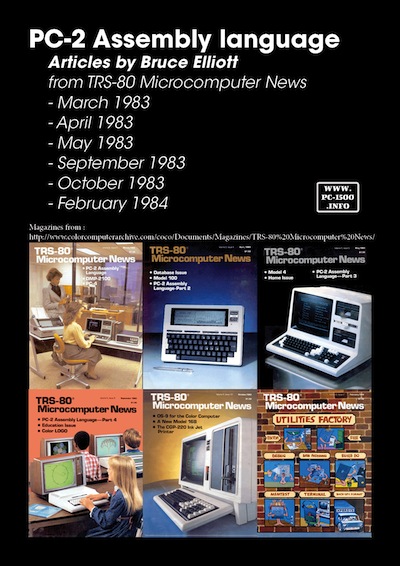
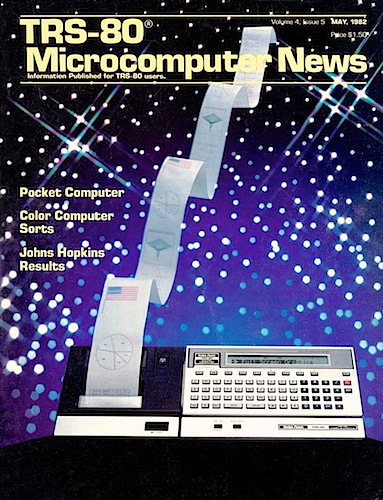
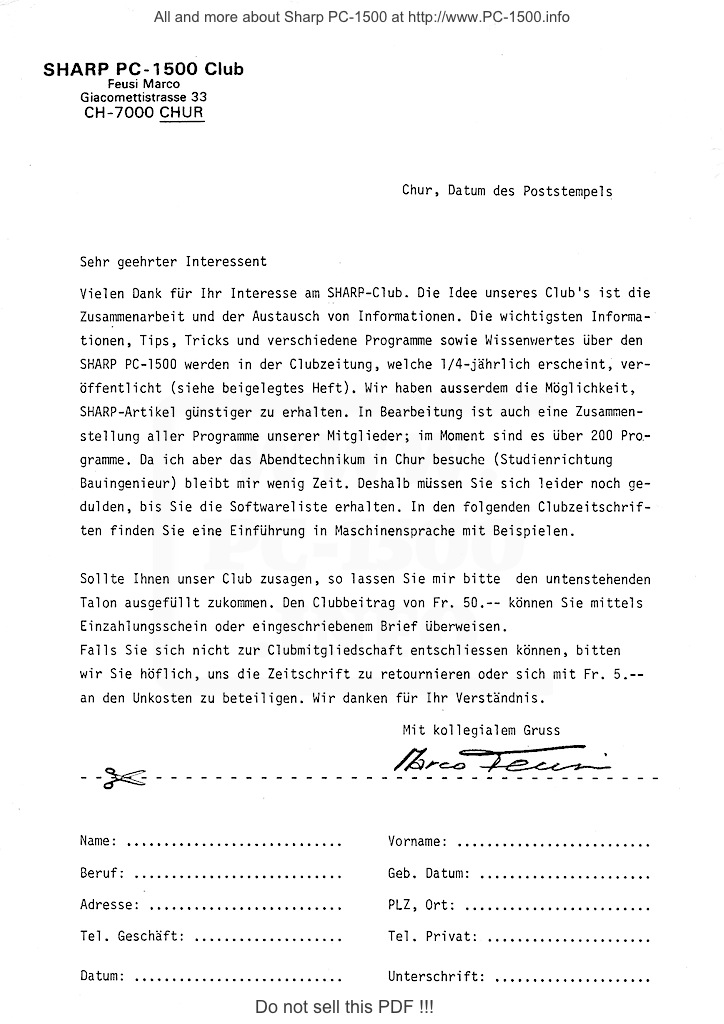
Magazine : TRS-80 Microcomputer News

I have published lot about French, German and Swiss magazines or Club papers.
Now lets talk about one US magazine !

The TRS-80 Microcomputer News was published from January 1981 to June 1984.
A new pocket computer appear in the May 1982 edition : the TRS-80 PC2 !
TRS-80_Microcomputer_News

You can discover the whole collection at Color Computer Archive

If you own the Pocketcomputer Newsletter please contact me…

Torsten MÜCKER : save your tapes with WAV2BIN

There is an really useful tool i must present to you : Wav2Bin

It was originally written by www.pocketmuseum.com and is now updated by Torsten MÜCKER as a package named PocketTools.
Here is the link to the PocketTools page :
http://www.peil-partner.de/ifhe.de/sharp/

I use it from a year and must say : THANK YOU !
All my tapes are now SAVED on my computer into a readable format.
The package contain other utilities but i only use Wav2Bin.

How to save your tapes ?

First download the free software AUDACITY :
Audacity-logo
http://audacity.sourceforge.net
It works on Linux, Windows and OSX.

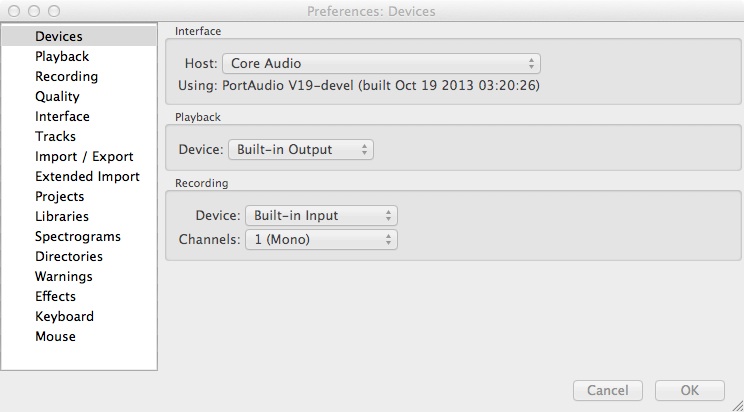
Launch it and set the correct parameters.
Choose Mono for the device :
Device

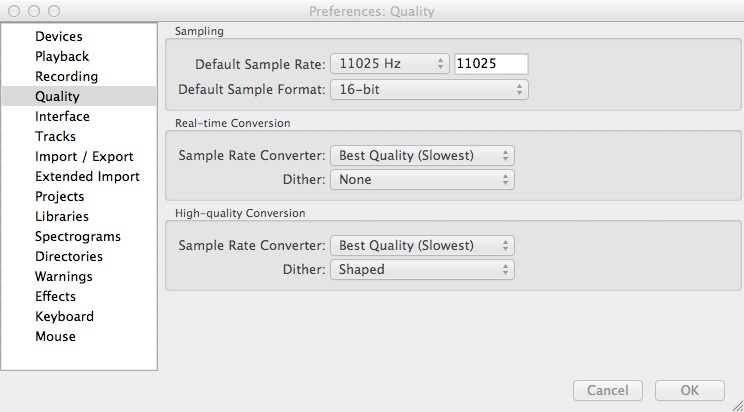
Set the quality to 11025 hz :
Quality

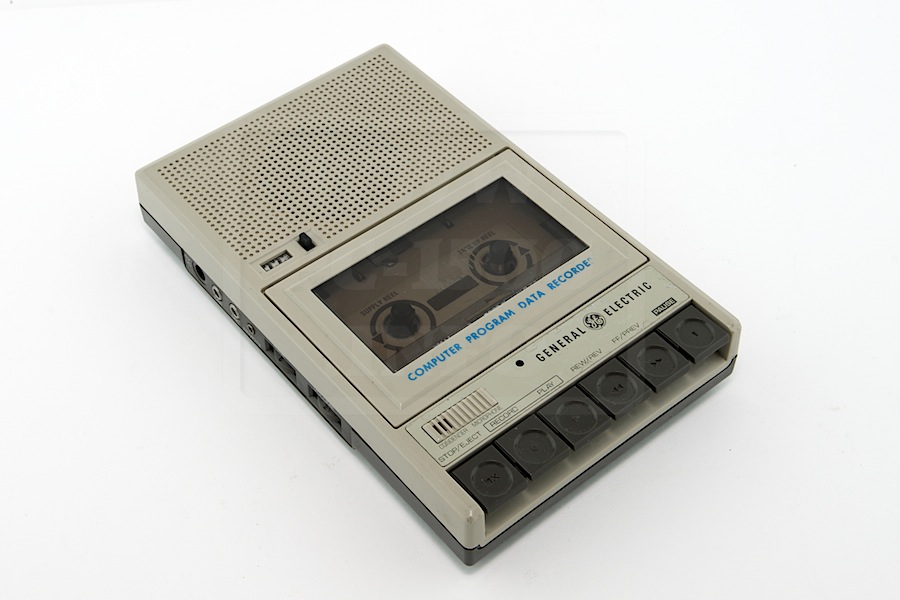
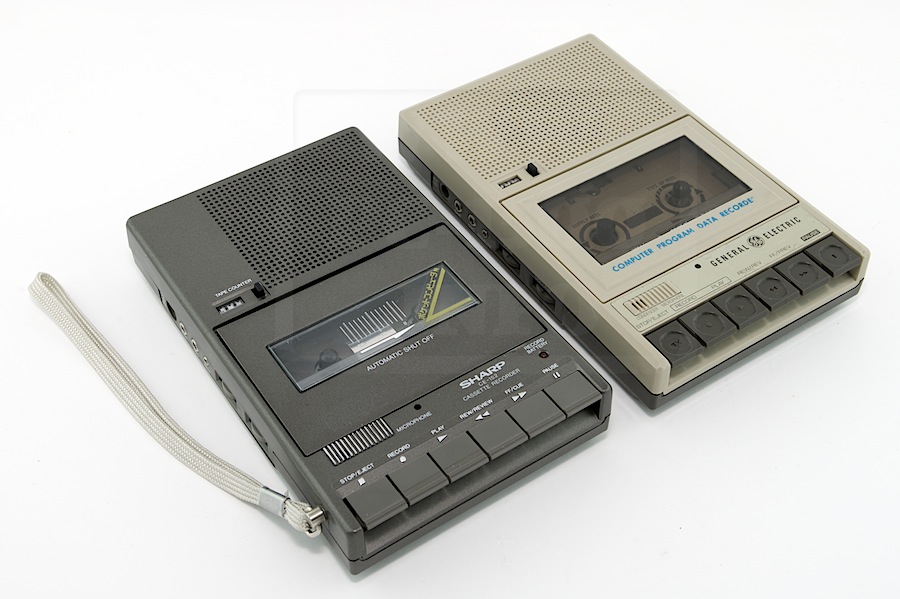
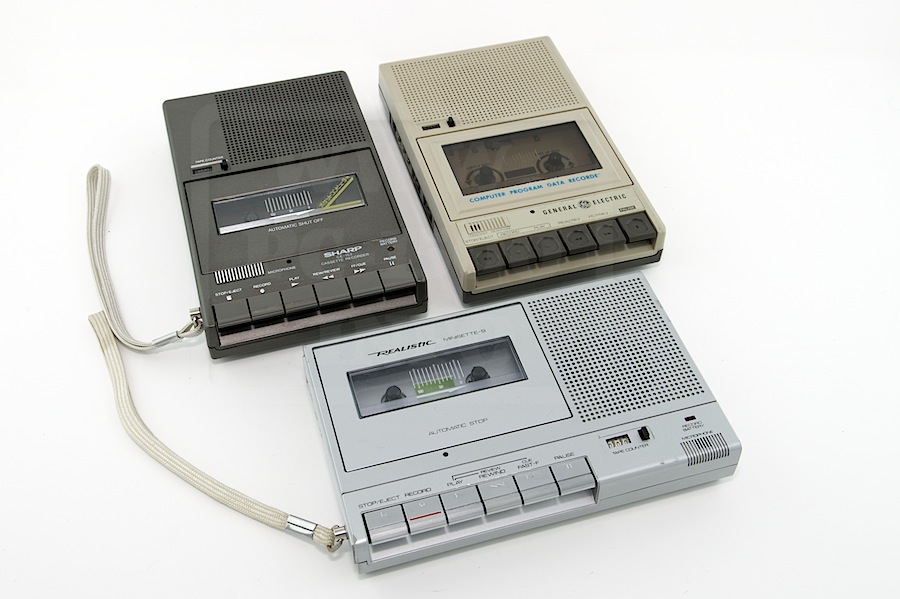
Connect your tape player (like the Sharp CE-152) to you computer.
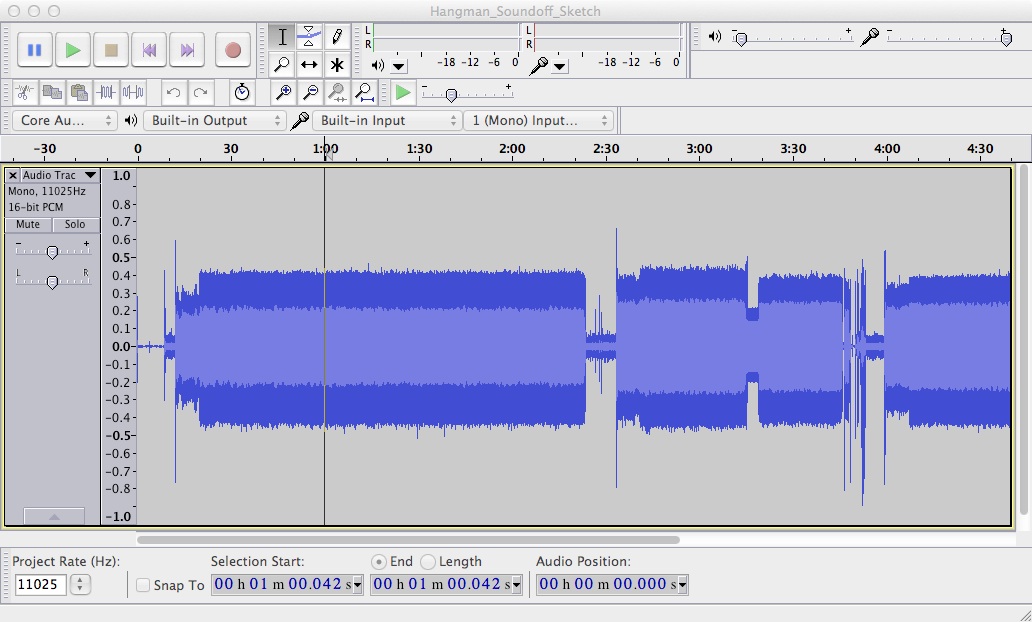
Start a new record on Audacity and hit play on your tape player.
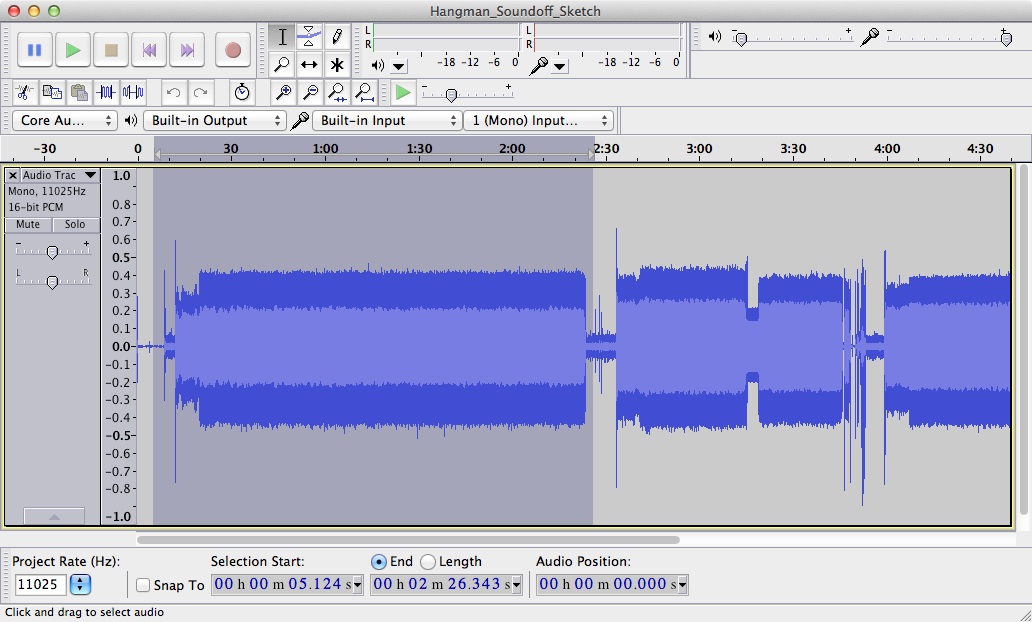
RecordedTape

After the first side of your tape is recorded press stop on Audacity.
You can now see and select blocs of signals. These are recorded programs.
Save each as Wav file with the export function :
ExportSelection

Move your Wav files into PocketTools directory and start converting them.
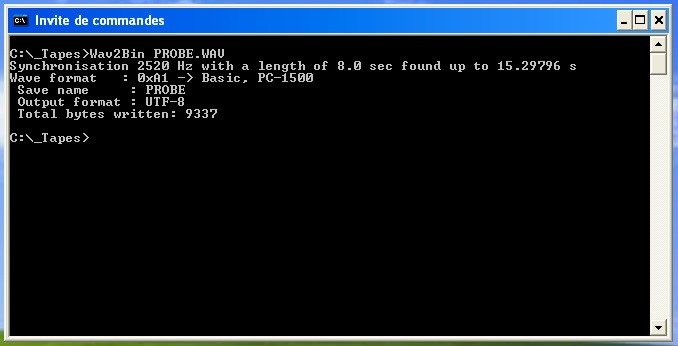
If the program is Basic its simple as illustrated by “Frank C. OddsProbe.Wav file. This will create a .BAS file
BASfile
Rename your Wav and BAS files with the “save name” found.

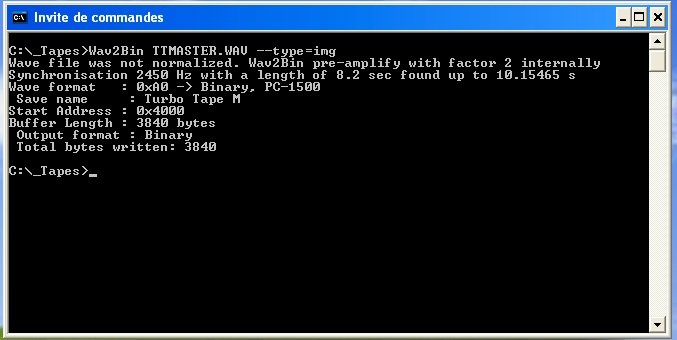
If it’s a binary file like machine code saved by CSAVEM… you only have to add –type=img like here for the Turbo Tape Master software. This will create a .IMG file
BINfile
Rename your Wav and IMG files with the “save name” found and add the “start address” to this name, it’s important, you’ll need it to load the program into the PC-1500 at the correct address or it will may work.

Repeat this for each wav file and enjoy the result !
The basic file can be opened by a text editor.
If you have some interesting software to publish, please, contact me.

Thank you Torsten !!!

And for the .IMG files ?
Stay tuned, there is another tool to convert it to .ASM !!! Thank you CGH !

CN-2000 : One navigation system for the Sharp PC-1500

If you loose your way ask your PC-1500 !

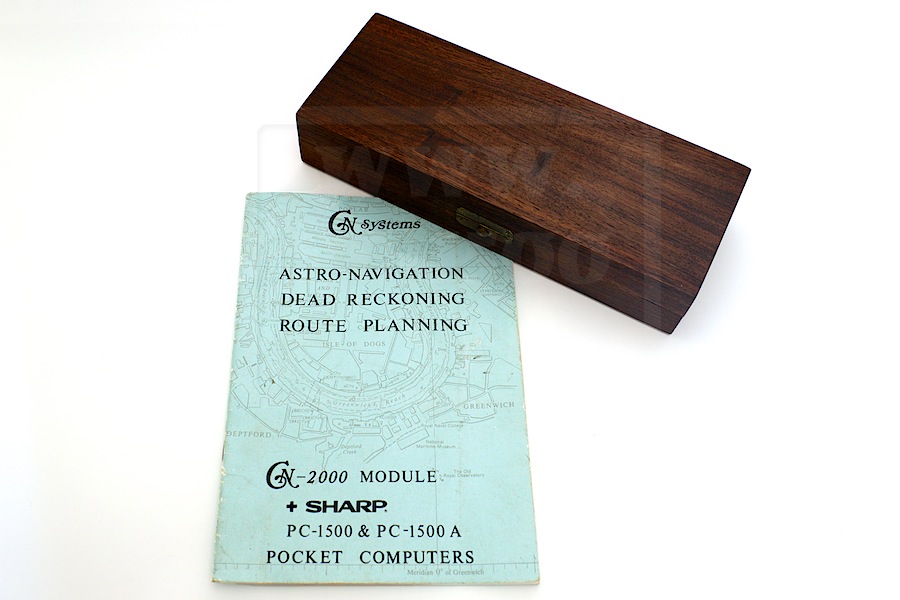
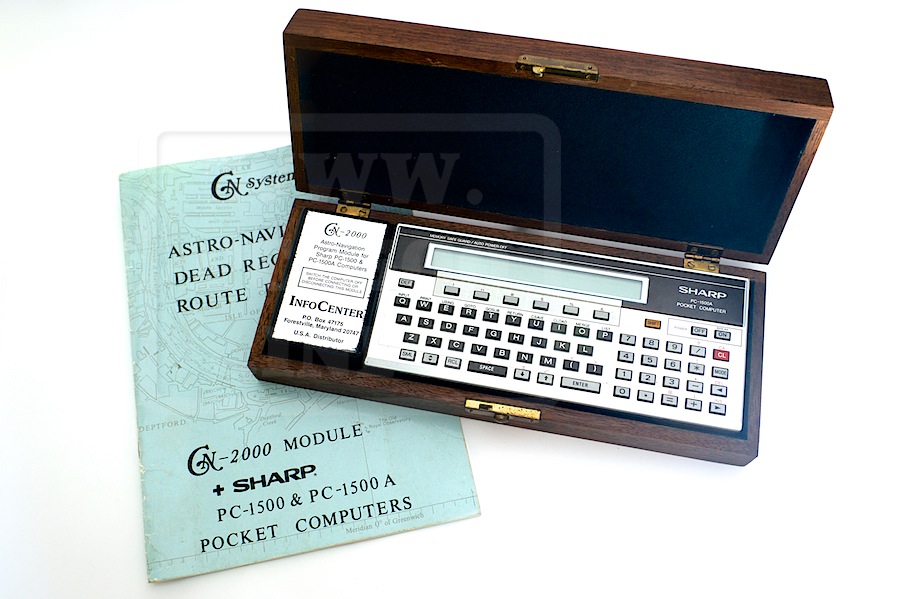
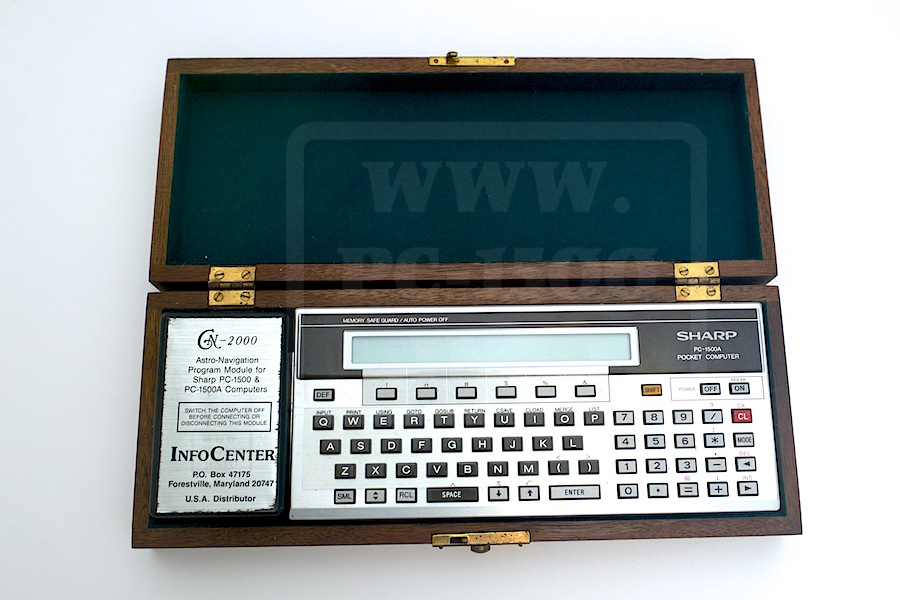
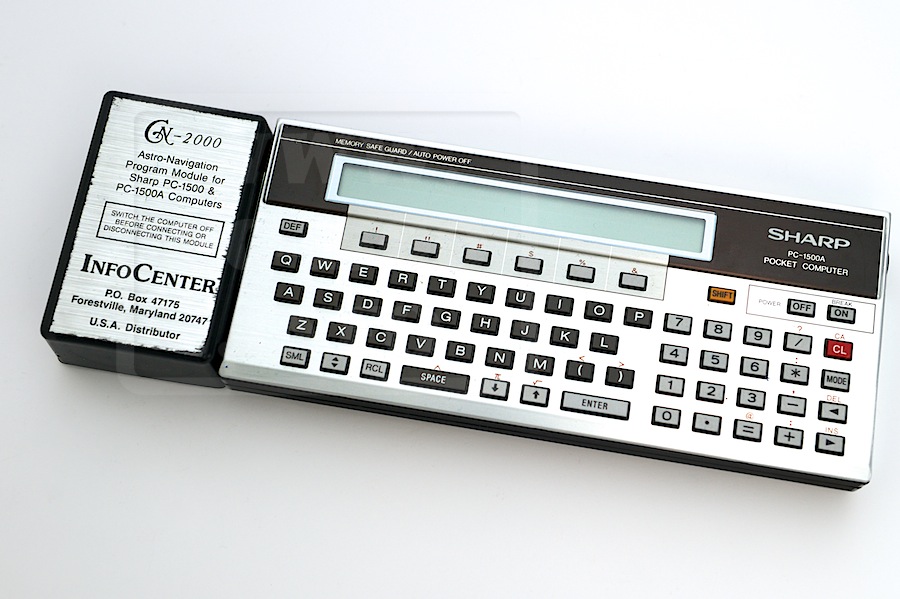
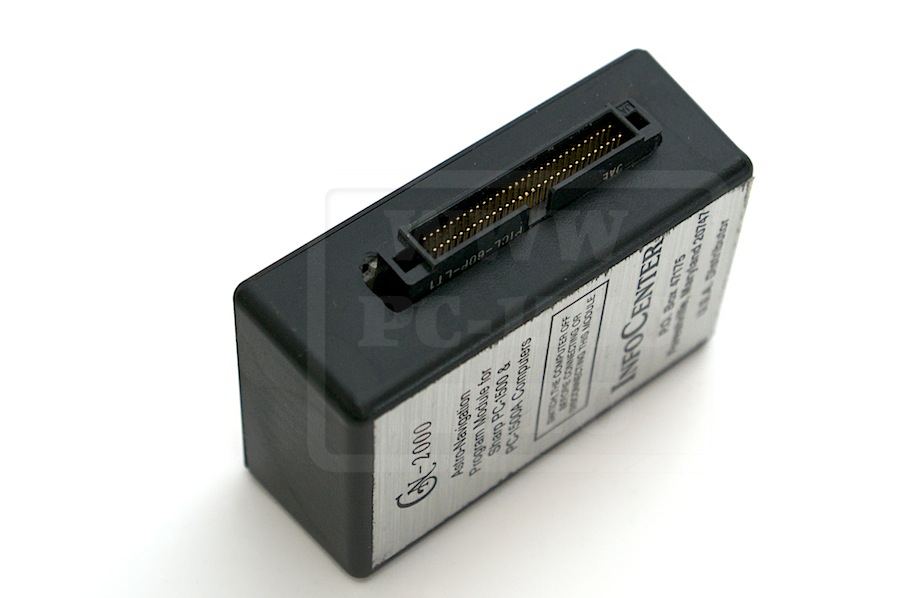
Here is a small navigation system for the PC-1500 : the CN-2000 from InfoCenter, Inc.
CN-2000 Celestial navigation
EMI_2142 EMI_2143

It’s stored in a very nice wood box.
EMI_2145
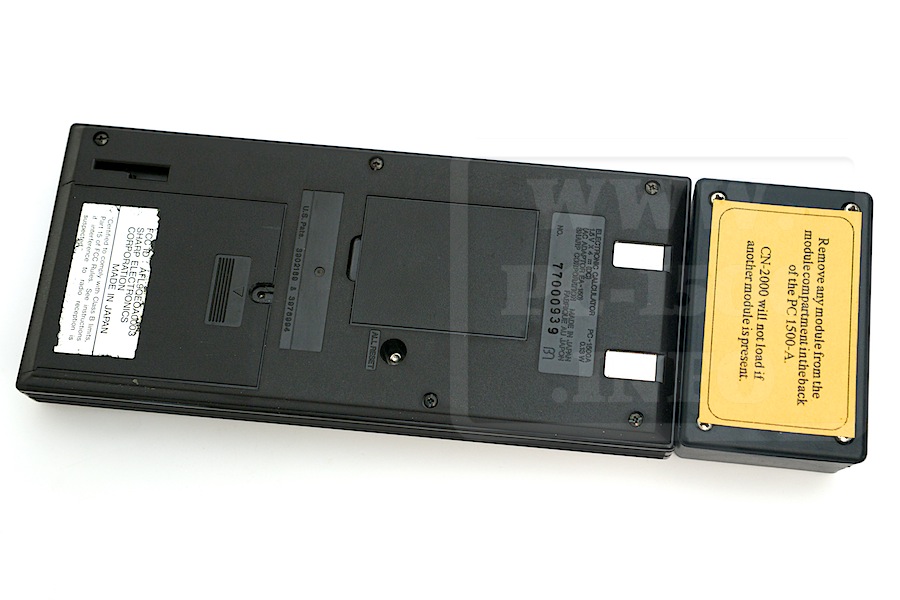
The CN-2000 can be plugged to a PC-1500 or PC-1500A.
You have a module to connect on the 60 pins connector and a user manual.
EMI_2147 EMI_2148

The module is in a plastic box.
EMI_2149 EMI_2150

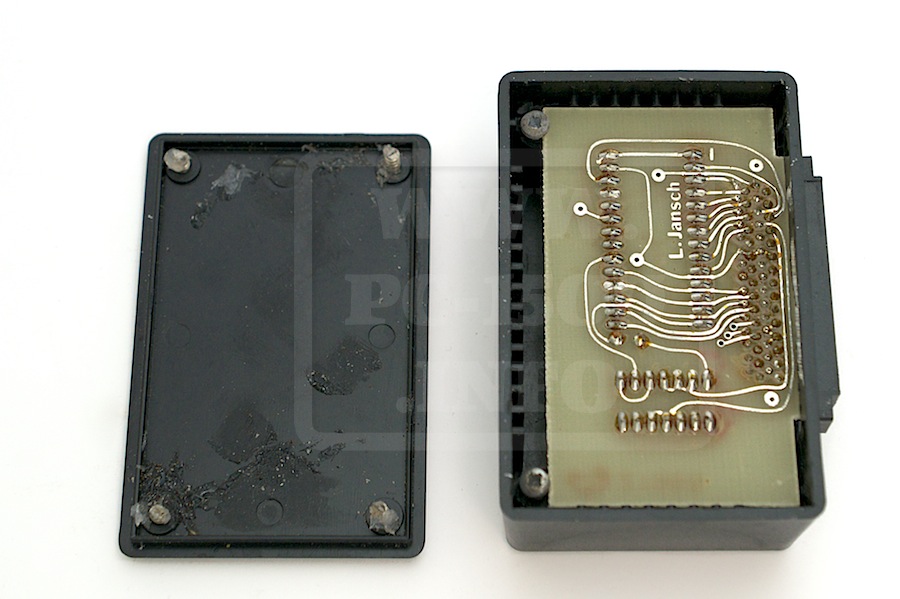
But when you open the box… you are far away from a professional system !
The box is not closed by the screws, it’s closed by some silicon glue.
The 4 screws are very short and fixed by the same glue.
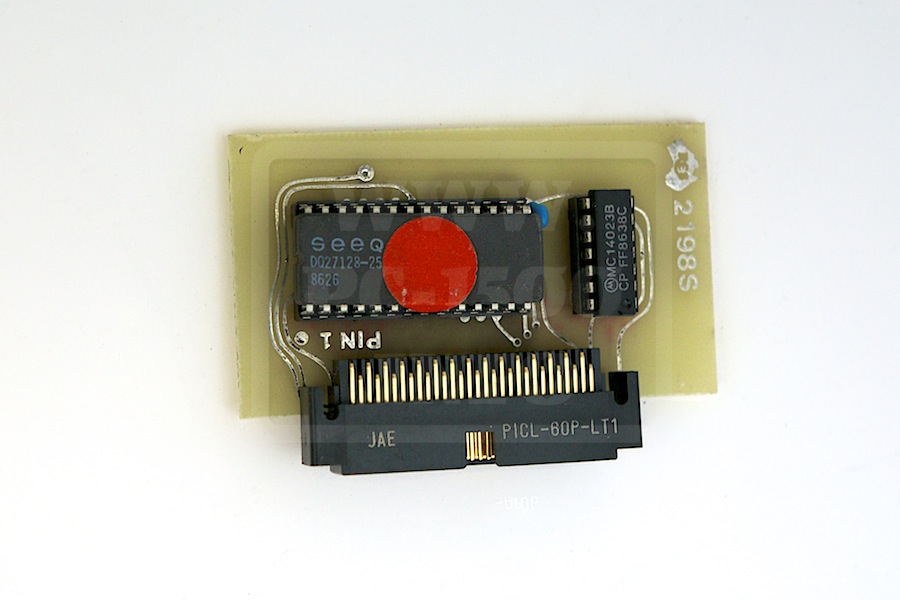
And the board looks like self made but not pro with green paint.
EMI_2151 EMI_2152

The program is BASIC and stored in the EPROM. It’s read protected for common users.

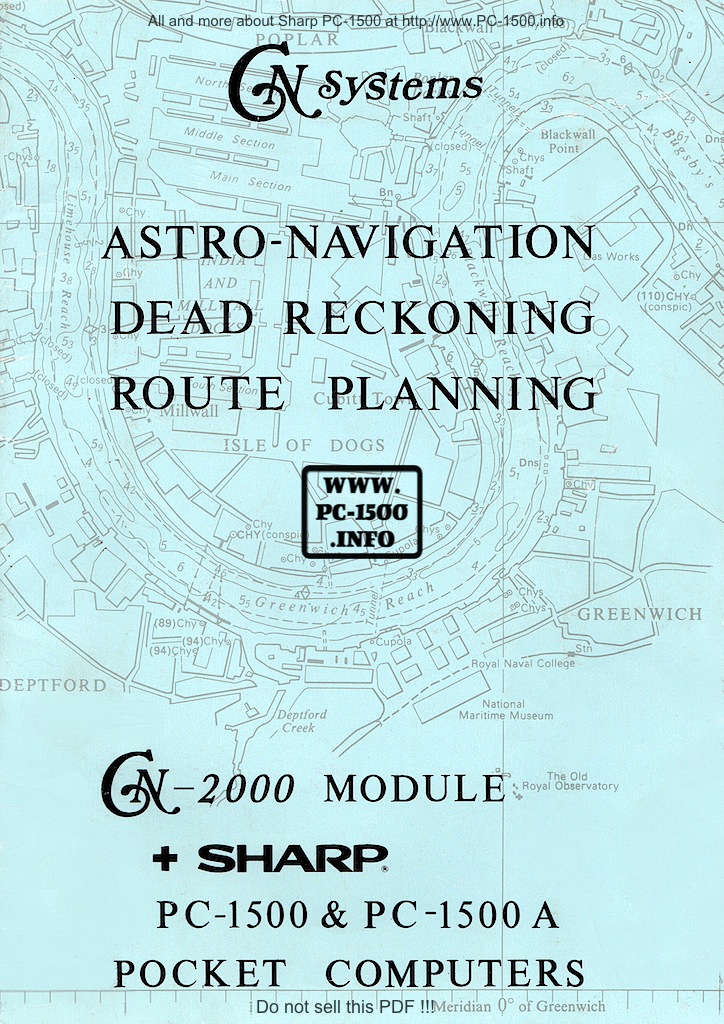
Here is the user manual :
CN-2000Download

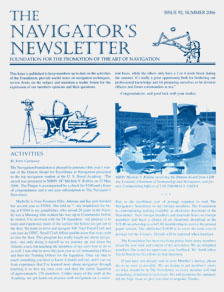
If you want to read more about navigation with this module there is “The navigator’s newsletter”
NN_frontpage
Go to the Newsletter archives…

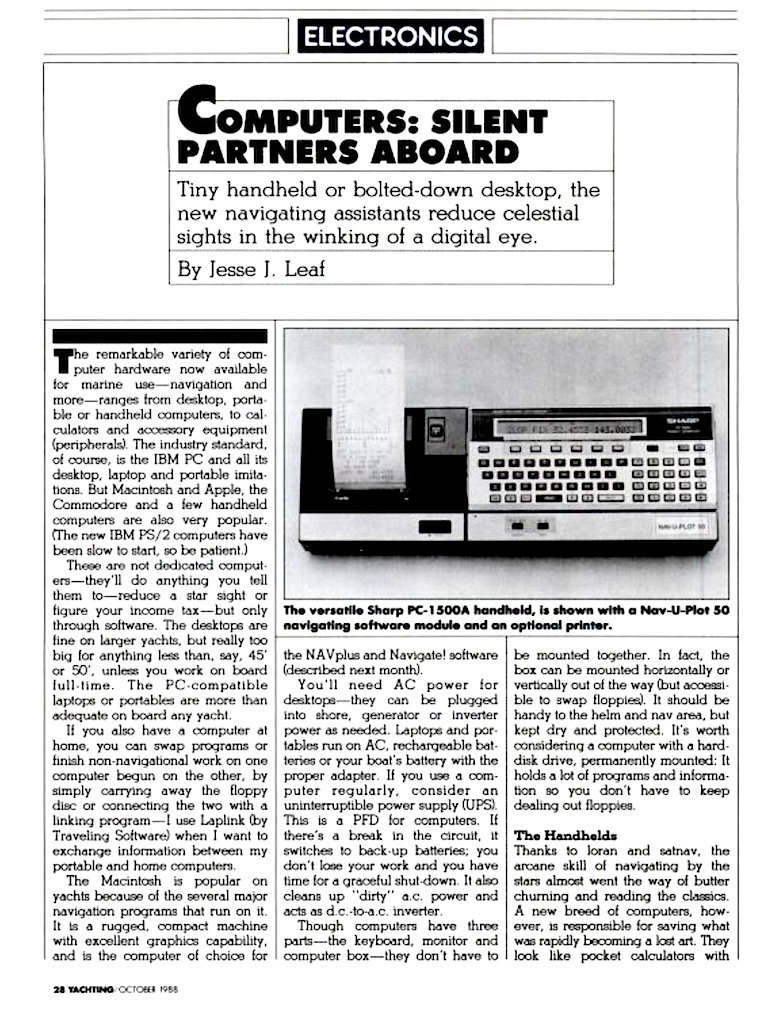
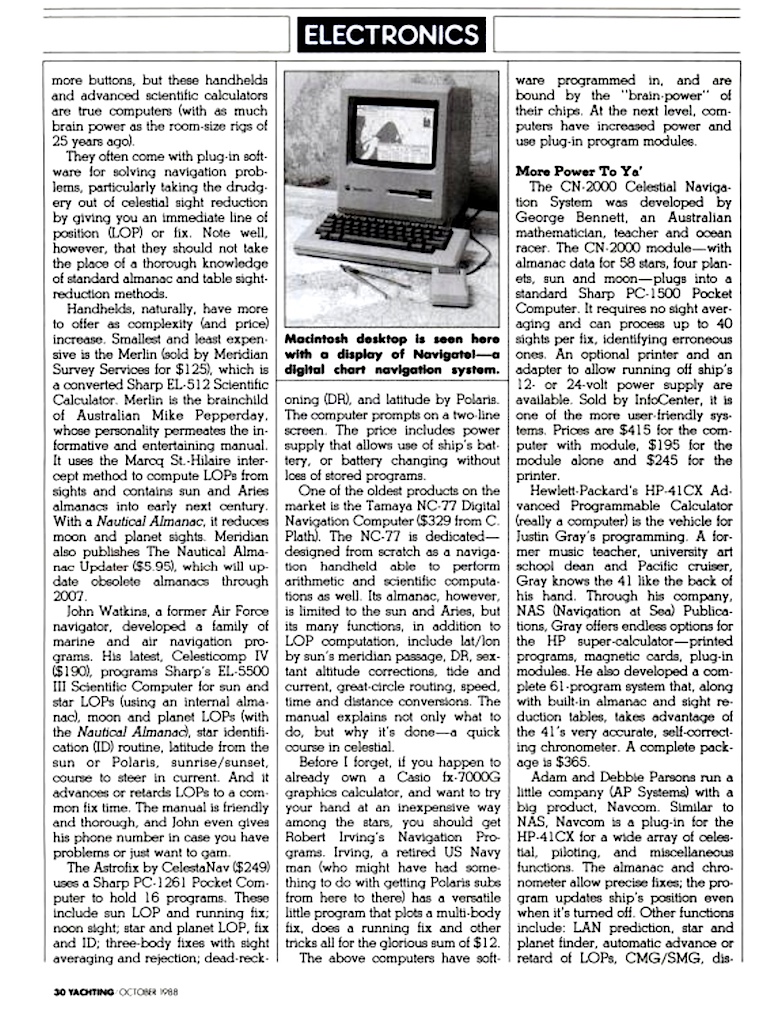
And i have found a small paper in the Yatching magazine talking about the CN-2000 :
CN-2000 Yatching Oct 88 - 30 CN-2000 Yatching Oct 88 - 31

EDTech Inc. : Administrator ROM module

The PC-1500 is a really well designed pocket computer and offers many ways to extend it’s software and hardware capabilities.
Some companies were seduced by the Sharp solution and it’s “owner” memory modules.
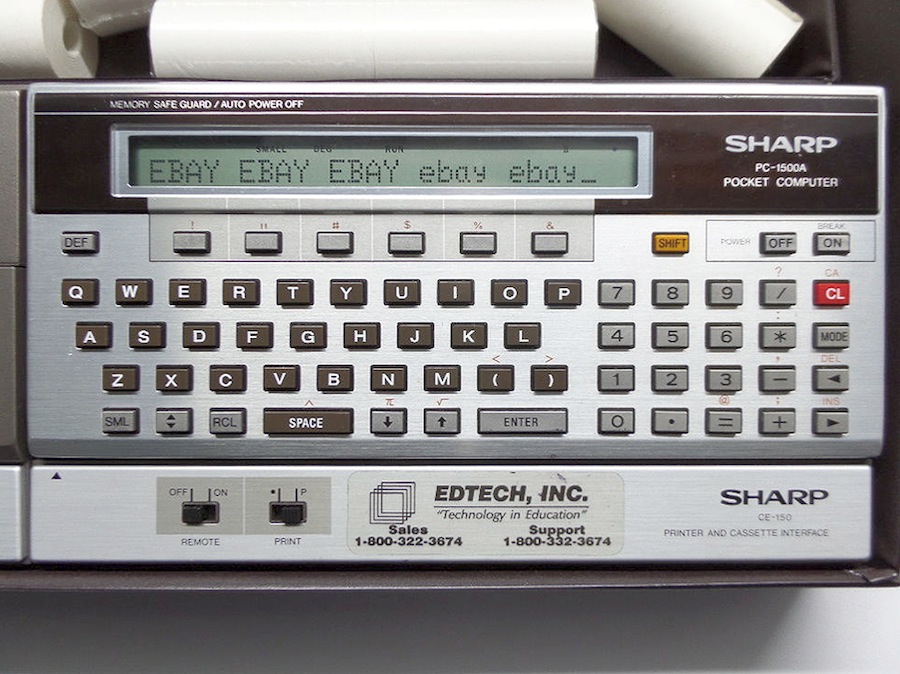
EDTech was one of these companies and were offering a solution for education administrators :
(Picture taken from eBay)
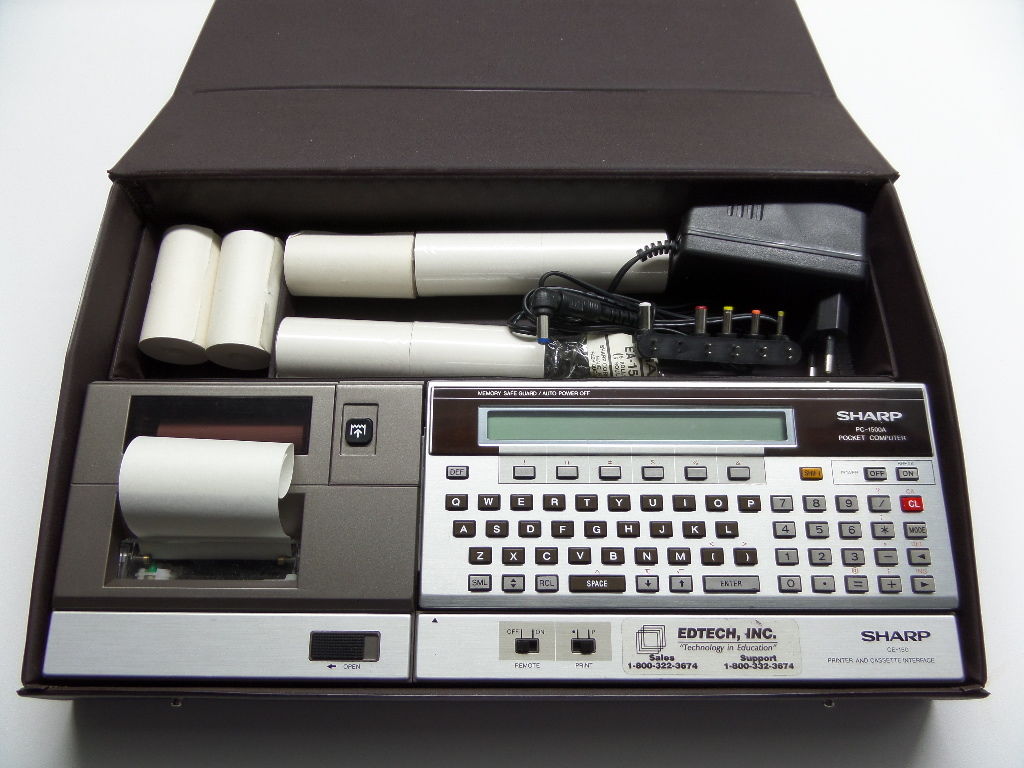
EdTech_Sharp_PC-1500
EDTECH_PC-1500A

Externally it looks like the PC-1500A + CE-150.
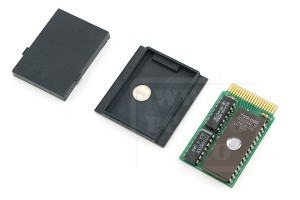
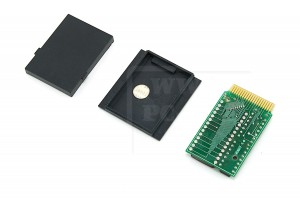
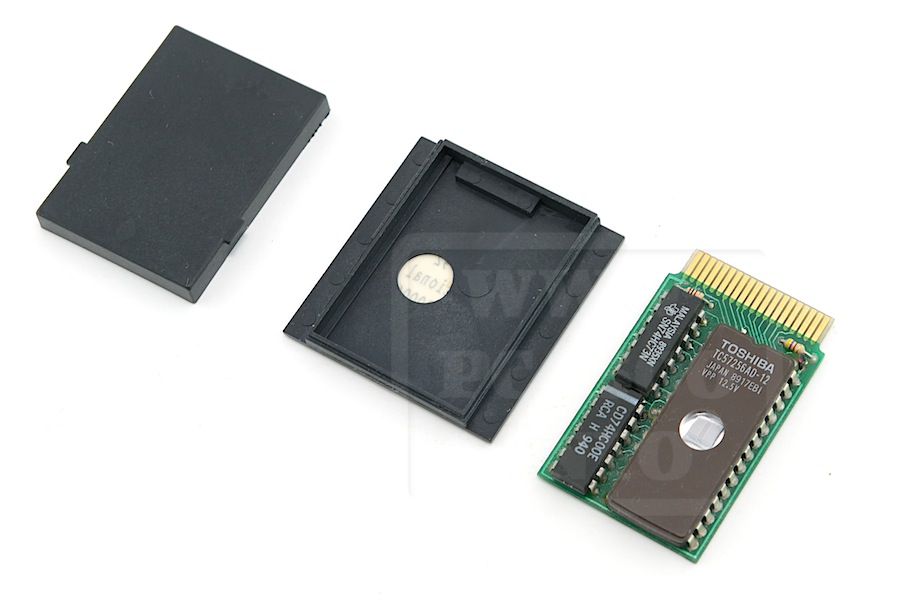
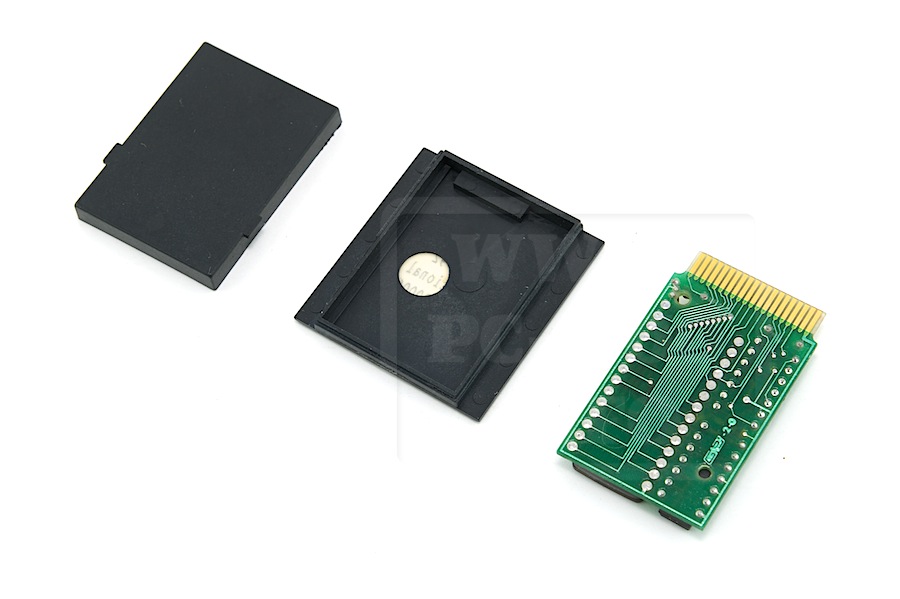
But internally there is a custom memory module :
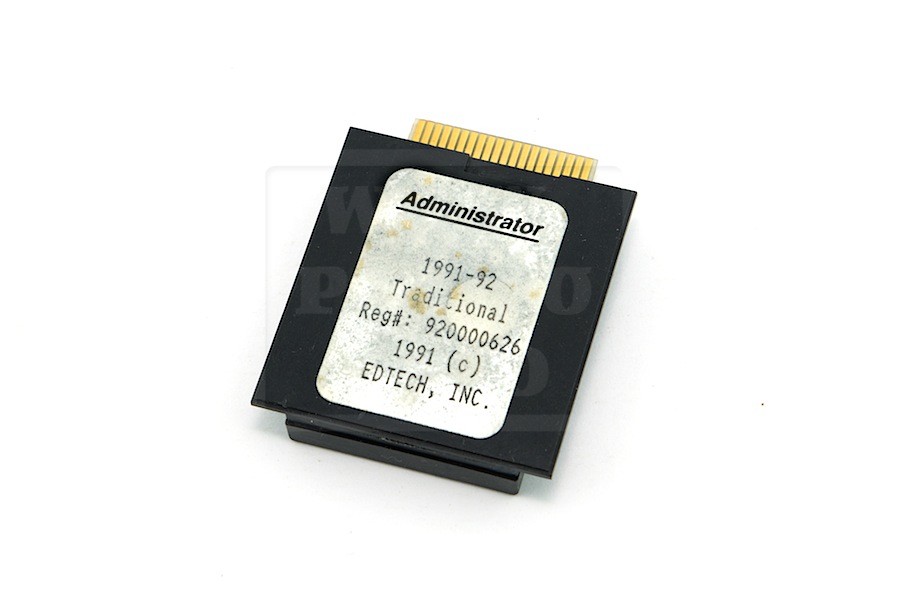
EMI_1697

It holds a 57256 32KB EPROM
EMI_1701 EMI_1700

We have to distinguish three kinds of memory modules :
– RAMs stored between &0000 to &3FFF (like 4KB CE-151, 8KB CE-155, 8KB CE-159, 16KB CE-161 or 2x16KB CE-163)
– ROMs or EProms stored between &8000 to &BFFF (that extends the system with Basic instructions)
– Pseudo ROMs stored between &0000 to &3FFF (like the 7,8KB CE-160 used to store custom invisible Basic programs)
– EProms stored between &0000 to &3FFF used to store invisible Basic programs

The EDTech ROM is in this last case.
But if you understand address decoding “&0000 to &3FFF” is only 16KB wide.
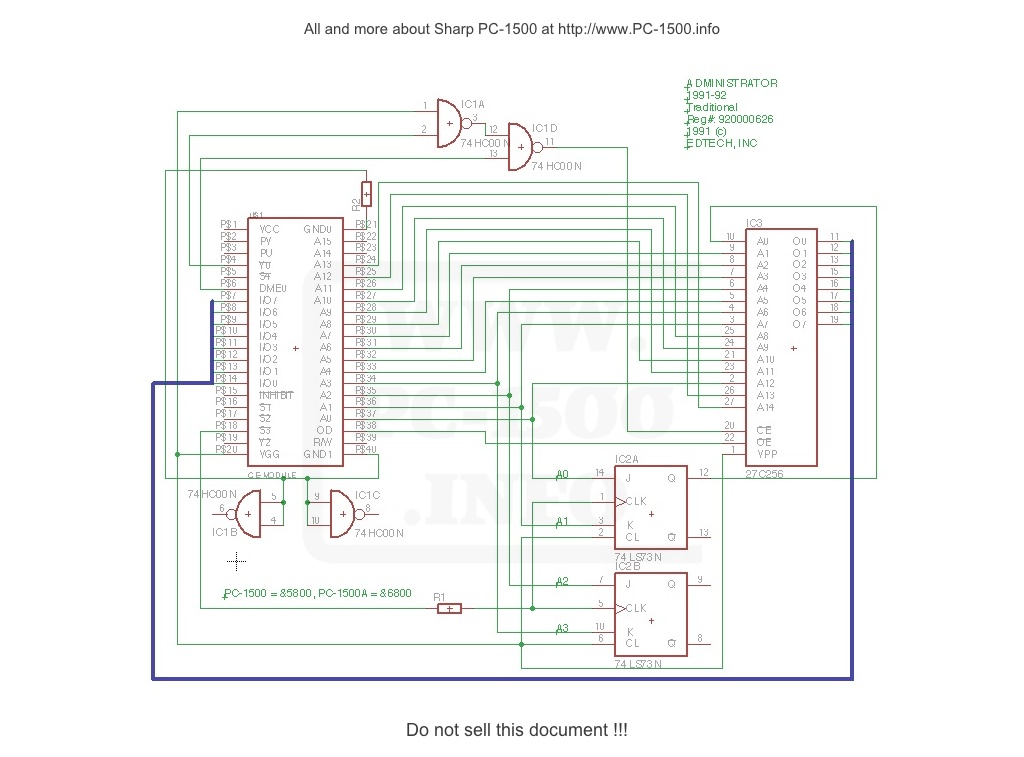
On this module there is a TTL 74LS73 IC. It’s a dual J-K flip-flop with clear.
It’s function is to select one of the two 16KB pages.
Open the Technical Reference Manual and look for memory configuration and /S3 signal.
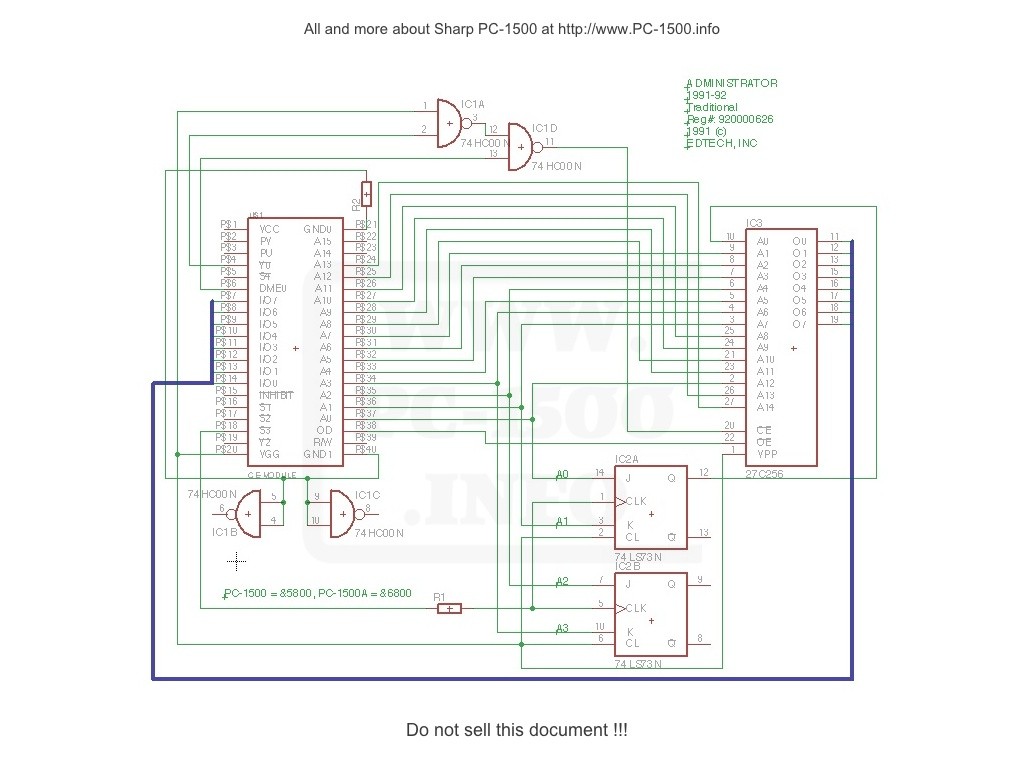
EDTECH_SCH

On the PC-1500 this signal select a memory zone starting at &5800.
On the PC-150A this signal select a memory zone starting at &6800.
Nice, this can work with the two pocket computers.
On my schematics you can see it connected to the CLK pin of the Flip-flop.

Now examine the content of each 16KB page (only the beginning, the rest is the EDTech program)… lines 11, 40 and 41
1st page :
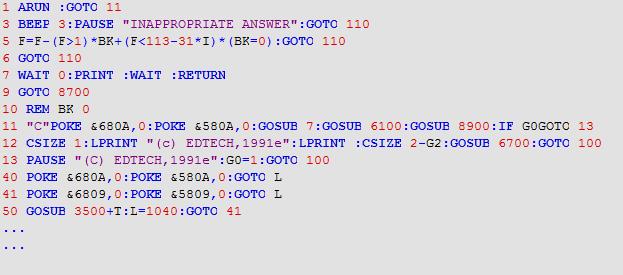
MWSnap050
2nd page :
MWSnap049

The POKE instruction writes a value to a memory case. By this way the program can swap the page.
Depending on the address it writes a 0 or 1 on the J and K entries and the clock push it to the Q and /Q outputs.

It’s a very nice design, isn’t it ?
I asked EDTech to get some informations and maybe a user manual.
They answered but nobody was able to help me.
Can you ?

Contact me if you have other “non Sharp” modules… 😉

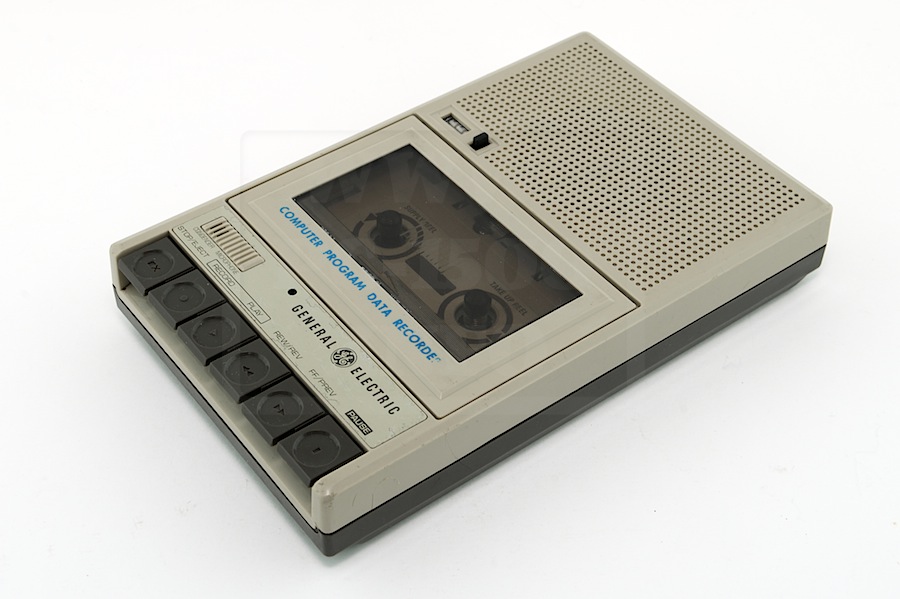
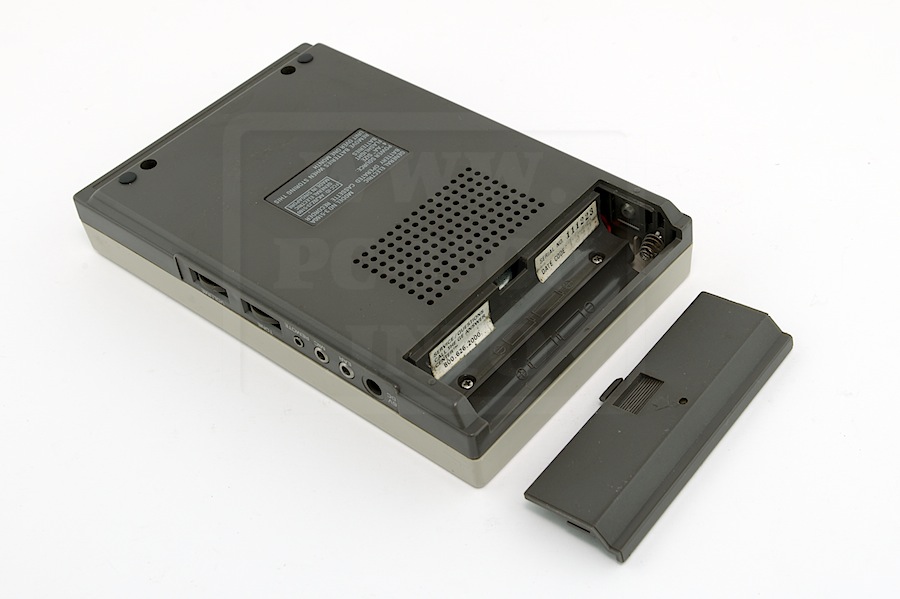
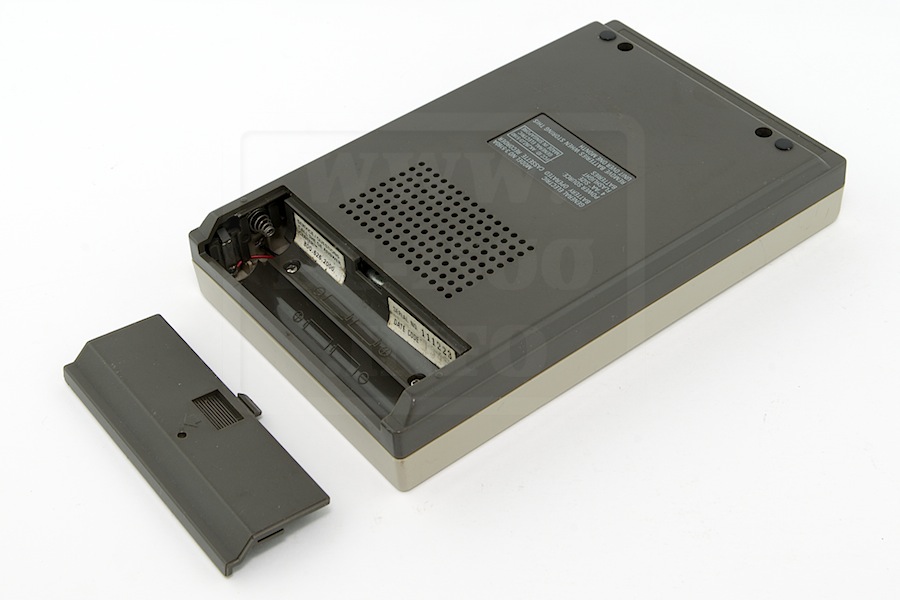
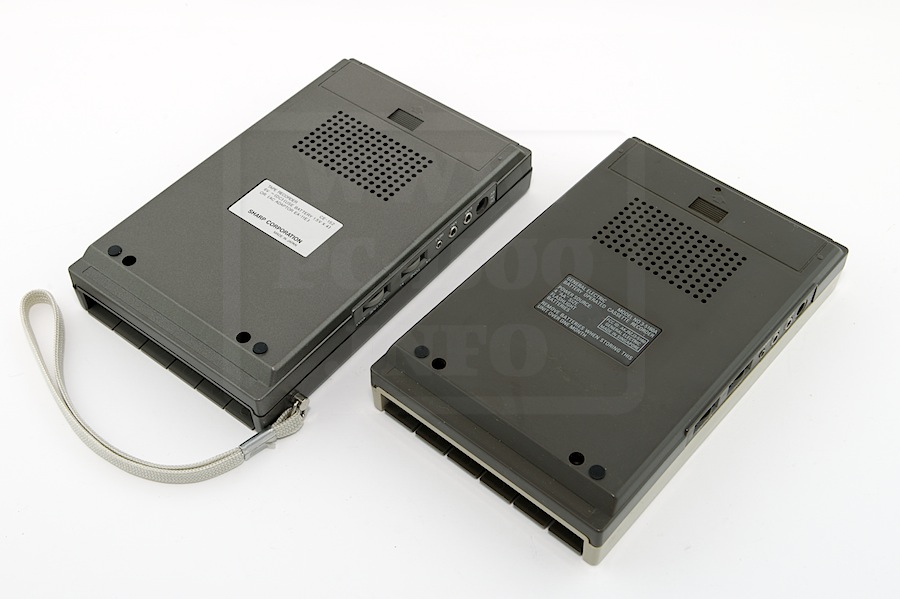
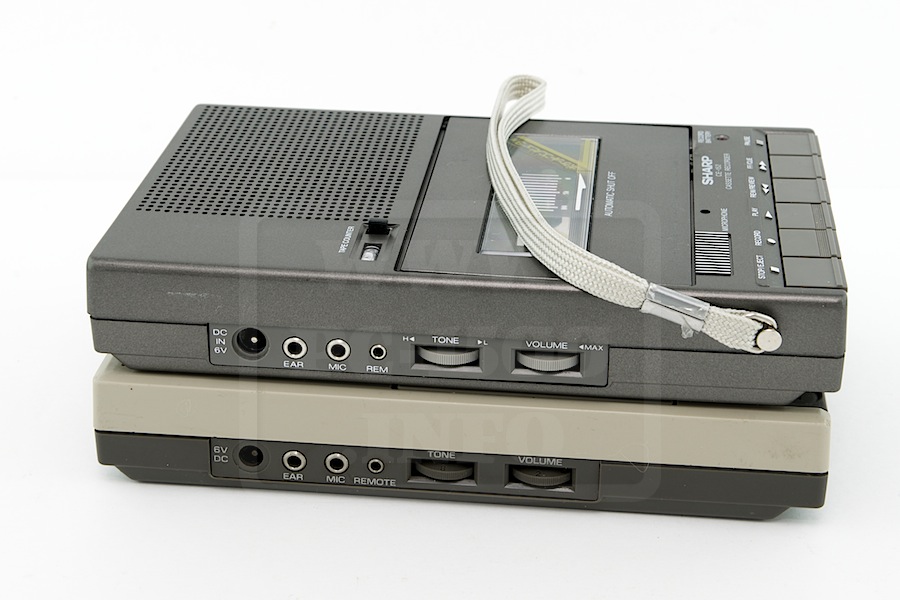
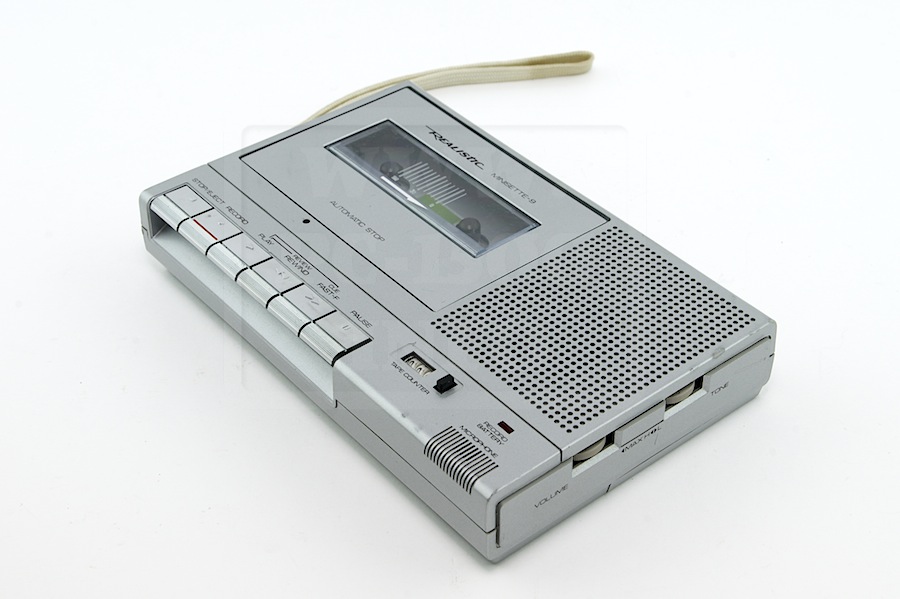
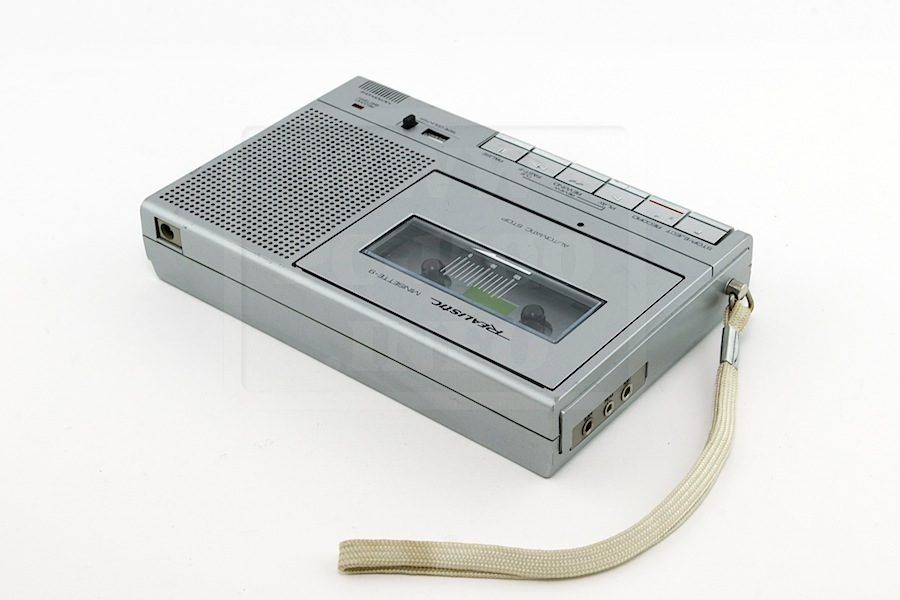
CE-152 : Inside and problem solving

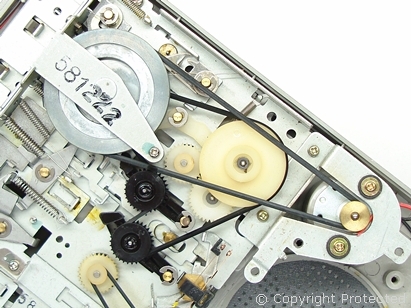
This morning i received a mail from an australian friend, Bronte, telling me about belts problems in his CE-152.
Do you have problems with your Sharp CE-152 or want to look inside ?

Someone explains this tape recorder better than i can do : www.petervis.com
sharp-ce-152-motor-drive-belt-configuration

You can find the belts on eBay. But some vendors are very expensive… search… search…
For example : this one in China or this one in UK