Category Archives: Blog

BMC : The MC-12A (PartI)

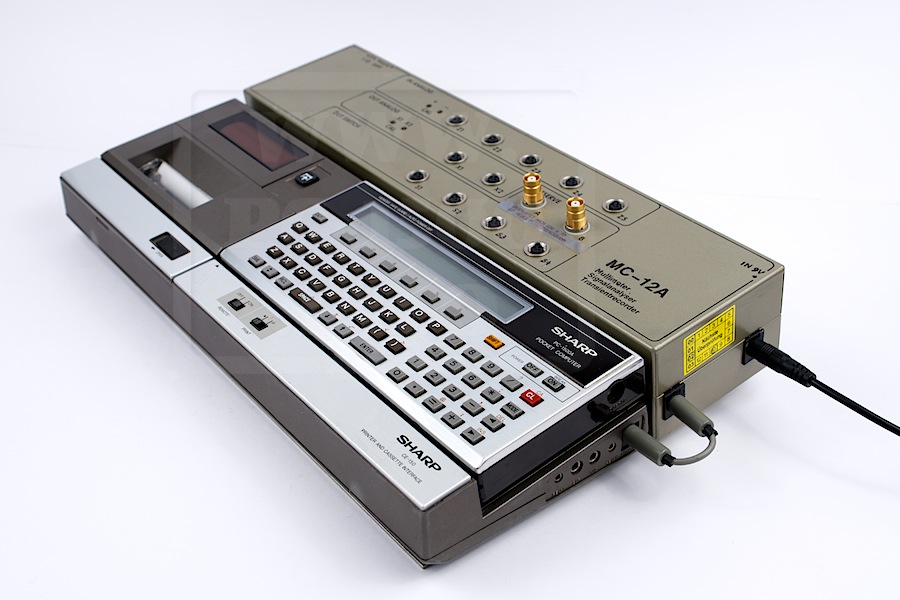
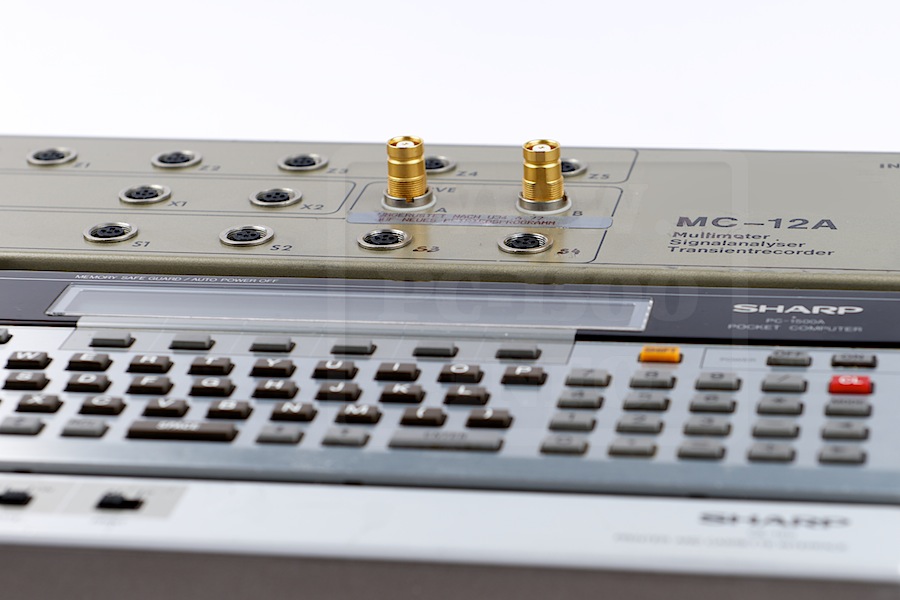
The MC-12A, the most advanced acquisition tool.
As you can see, it fits perfectly with the PC-1500/CE-150 system.
BMC_MC-12A_002

What can this do ?
– Digital Multimeter -5V to +5V
– Data logger
– Transient
– Fonctions generator
– Data analyzer
– Regulation/Control unit

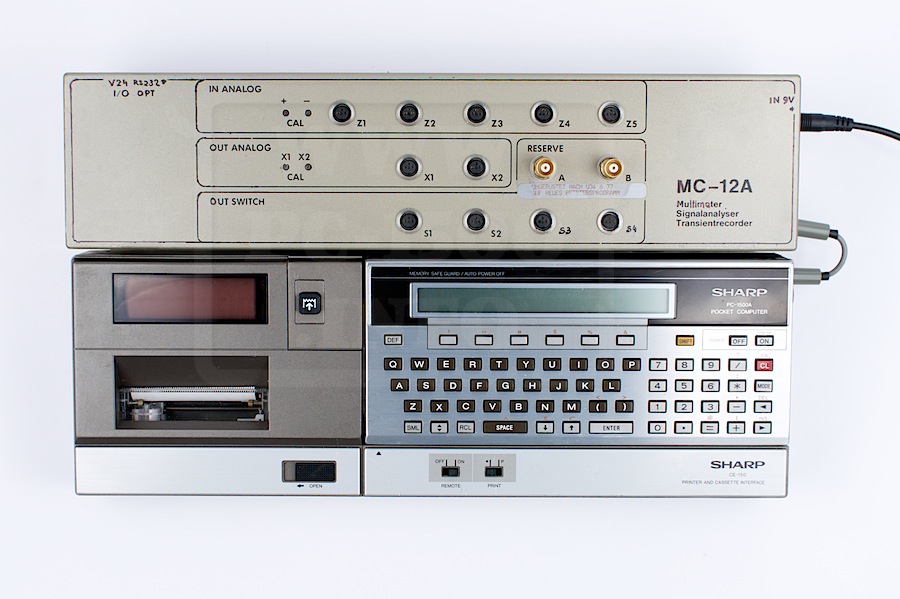
How can it communicate ?
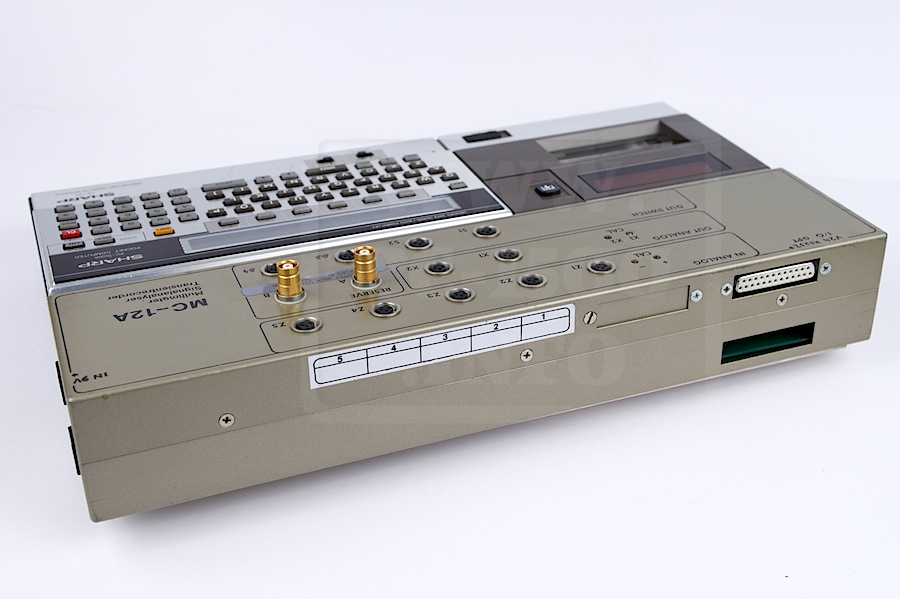
– 5 input channels
– 2 analog outputs
– 4 CMOS switch
– 2 output relays
– 24 pol. l / O port
– V.24 interface
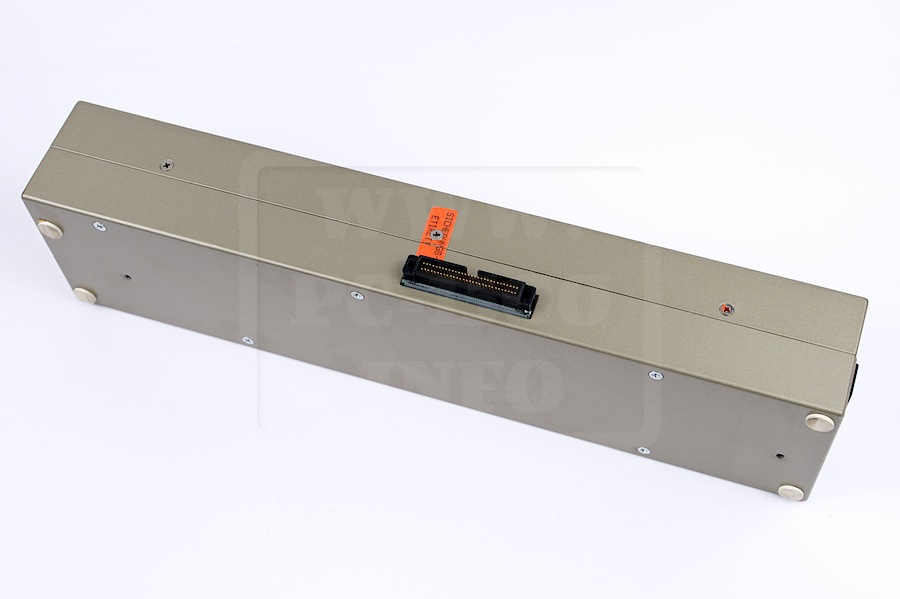
– 60 pins connector to PC-1500 or CE-150

It’s a strong tool, isn’t it ? It’s as wide as the CE-150.
BMC_MC-12A_001
BMC_MC-12A_004 BMC_MC-12A_005

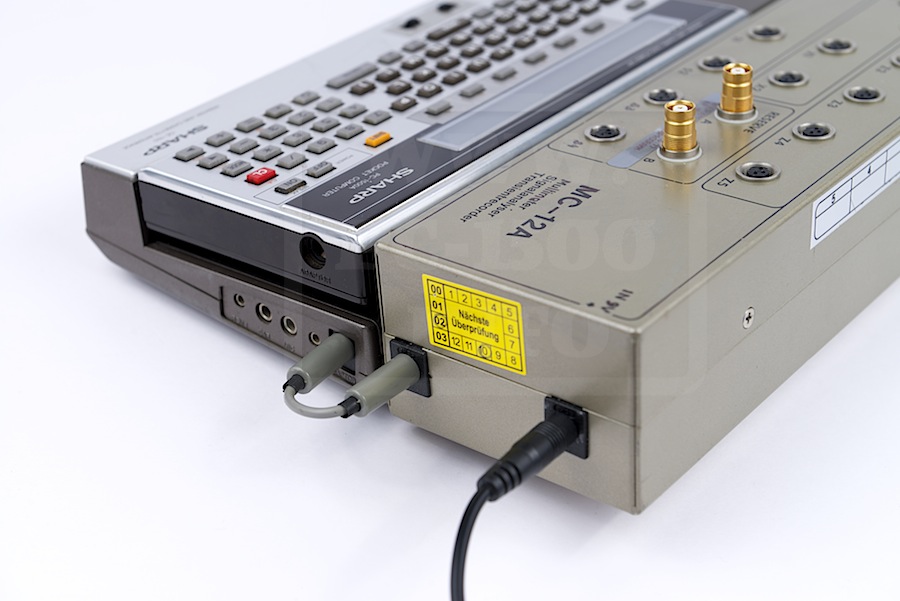
The power supply adapter EA-150 is plugged directly in the MC-12A and is transferred to the CE-150 with a grey cable.
A very nice idea !
BMC_MC-12A_006

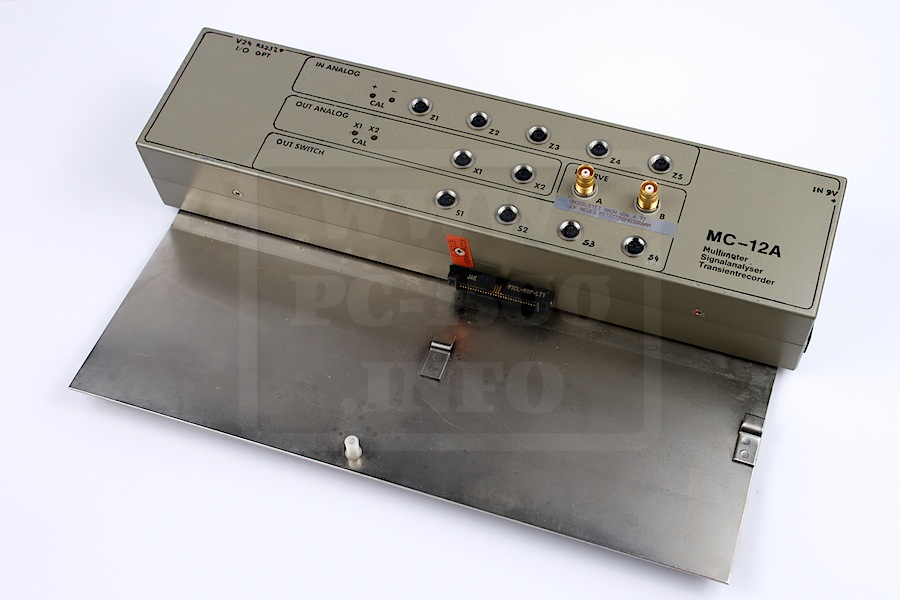
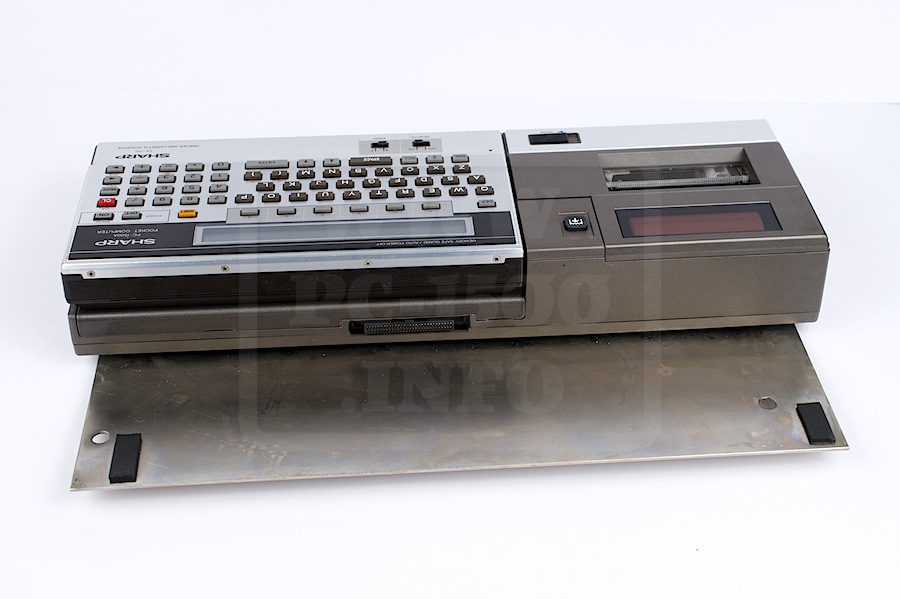
Removing the CE-150 is not really easy. You have to remove 2 screws and move the printer to separate it.
BMC_MC-12A_008 BMC_MC-12A_007

DO you see the white tube on the metal plate ? It goes directly to a hole under the CE-150.
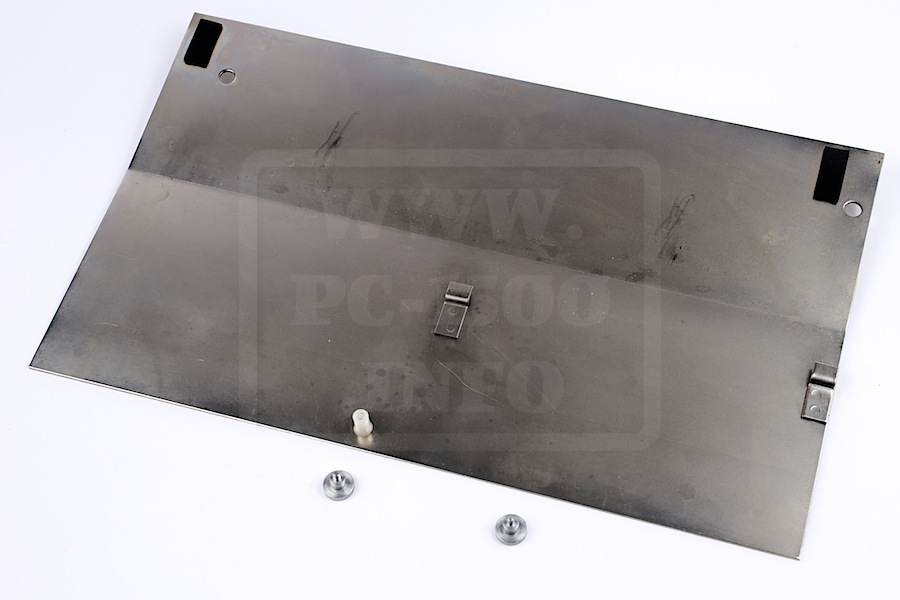
BMC_MC-12A_009

Here is the CE-150 connector :
BMC_MC-12A_010

Now let’s opening the MC-12A and see inside.
There are some options installed. A really good thing ? All the ICs are on sockets ! Easy repairing…
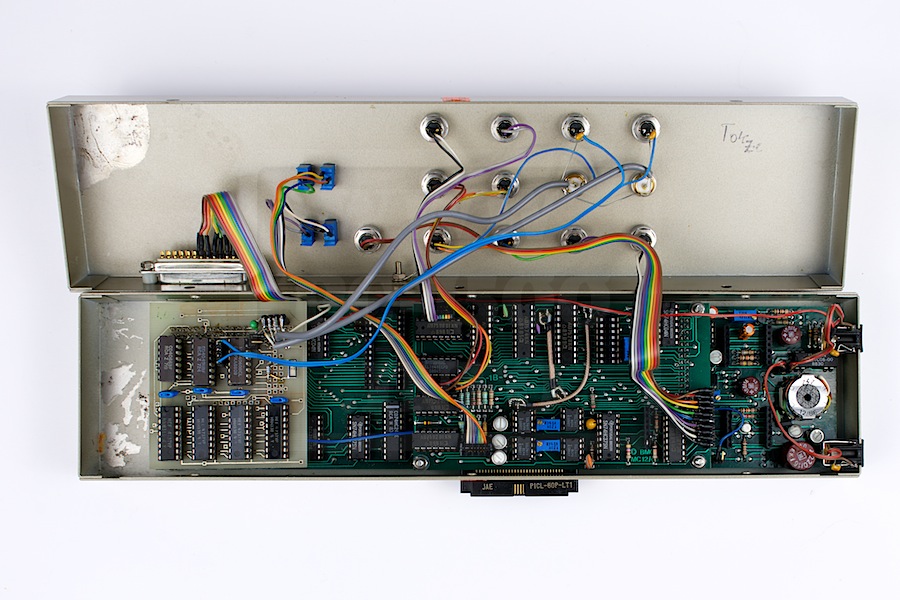
BMC_MC-12A_011
There is a place on the left with corroded marks. It’s the battery.
The whole system can be used out of 110/220v ! You can take it and go on site.
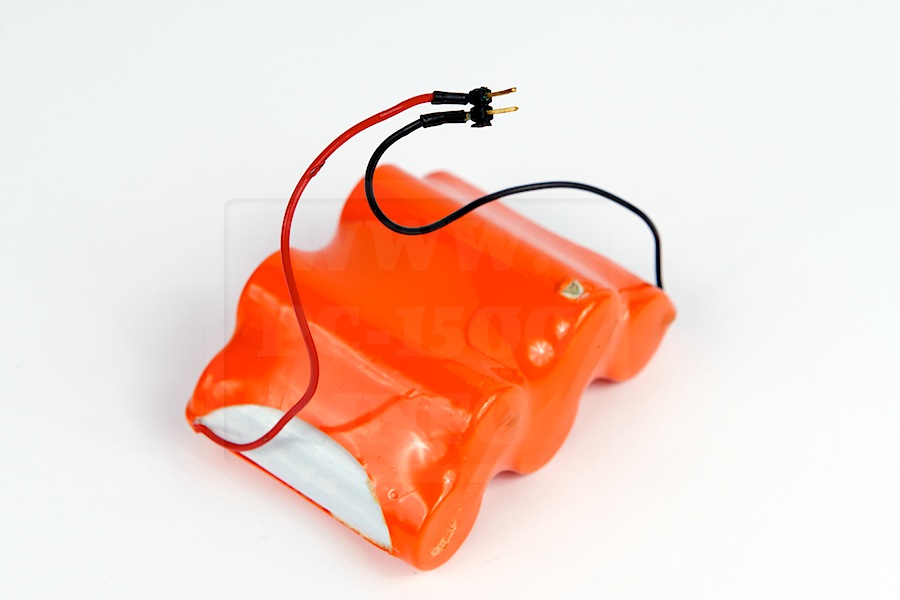
BMC_MC-12A_017

Let’s open a bit more… there is a RAM and a ROM. Two sockets are unused for future extension.
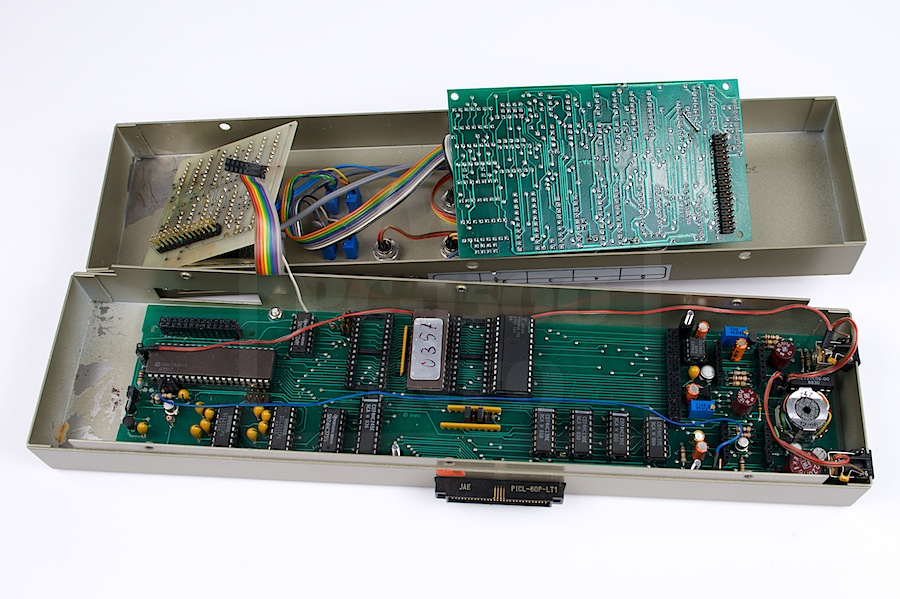
BMC_MC-12A_012

The ROM IC will give you a really good surprise… stay tuned…

BMC Dr. SCHETTER : industrial acquisition interfaces

Finding industrial peripherals for the PC-1500 is not really easy now.
But our german friends were the more active around this pocket computer.
I start here a short story about nice items…

bmc

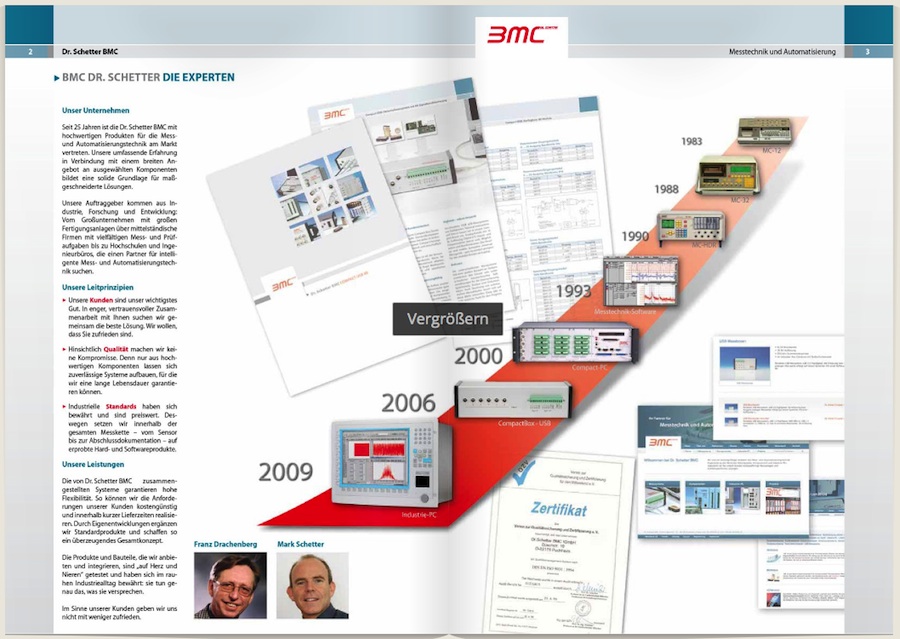
This company is BMC Dr. Schetter and build acquisition/control tools for more than 30 years.
I tried manny times to get some help from them but the only answer was… their newsletter.
This company is like a wall and did not answer any of my e-mail.
All informations in my articles are provided without their help ! But it’s not too late…

One of their first product was the MC-12A and was designed to be driven by our favorite pocket computer. It was the most advanced of the catalog.

In fact there was 3 different interfaces :
MC-12A : Full system with batteries and the R.V.S. Forth language on EPROM
MC-12 : A small system without batteries but it can stay in the CE-150 case.
MC-10 : The very small system to connect directly to the PC-1500. (I’m looking for this one ! Do you have one for me ?)

Everyone having user manuals or other informations that may help can contact me.

BMC_MC-12A_Evolution

Sharp CE-158 : a few ones for sale

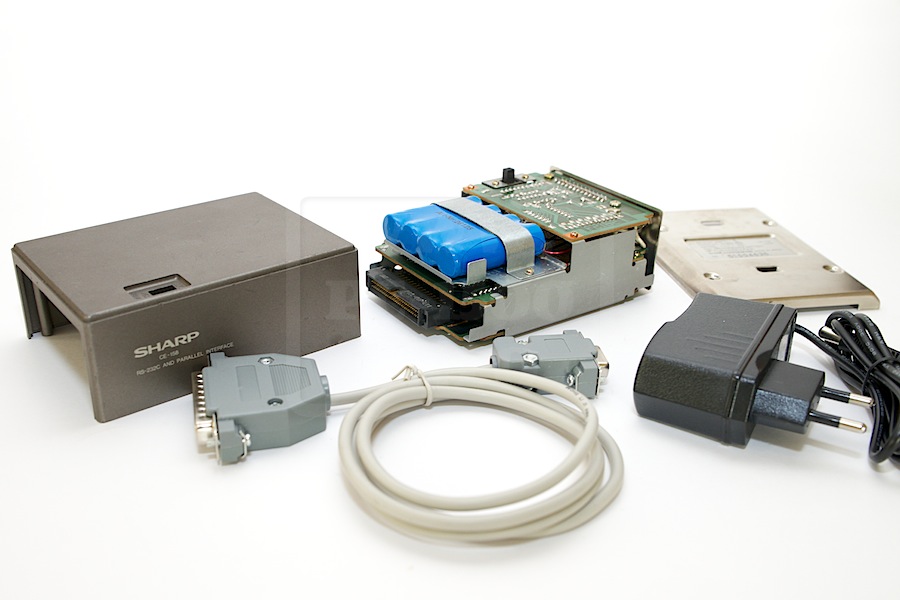
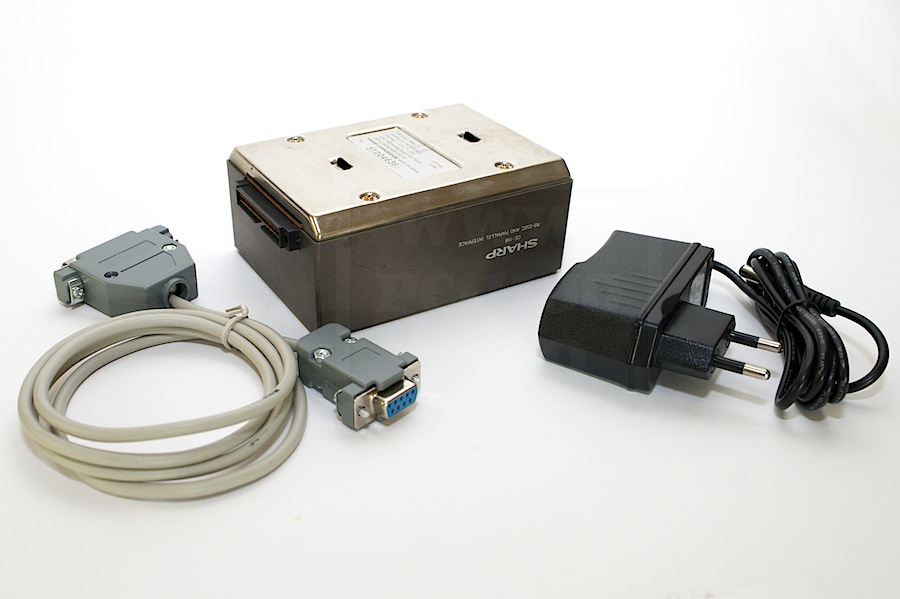
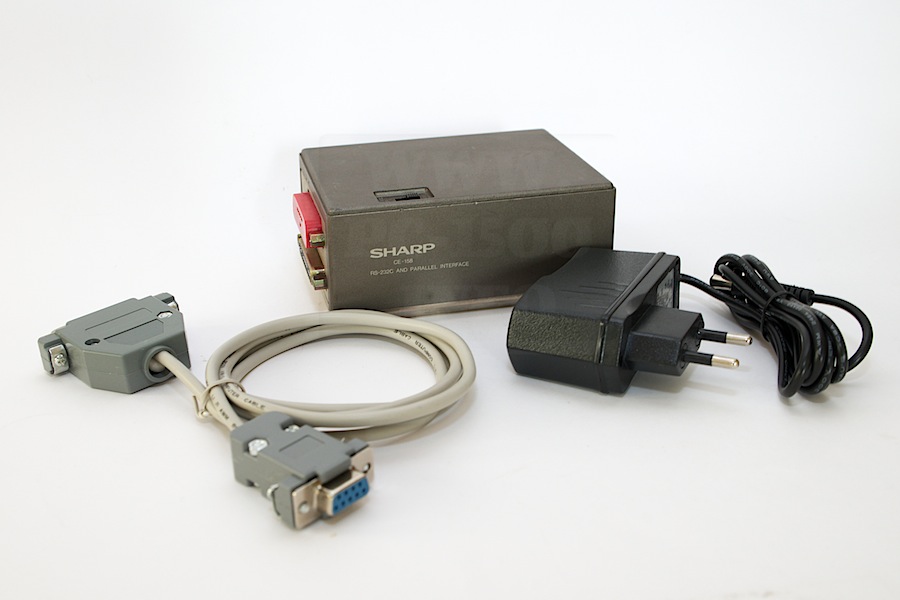
I have some of the rare CE-158 for sale.

Description :
– Used item.
– Last hardware version and clean boards.
– New battery pack 720mA/h (directly soldered because the connector was corroded)
– New power adapter 9v 1A, positive outside.
– New RS232C cable 9F/25M as described in my previous article
– Documentation can be downloaded here.
– No metal plates.

Prices :
With some light marks : 99 euro (must add shipping costs) (4 left)
– With some marks or scratches on the cover : 89 euro (must add shipping costs) (3 left)
With some lot of marks on the cover : 79 euro (must add shipping costs) (0 left)

Use the contact form…

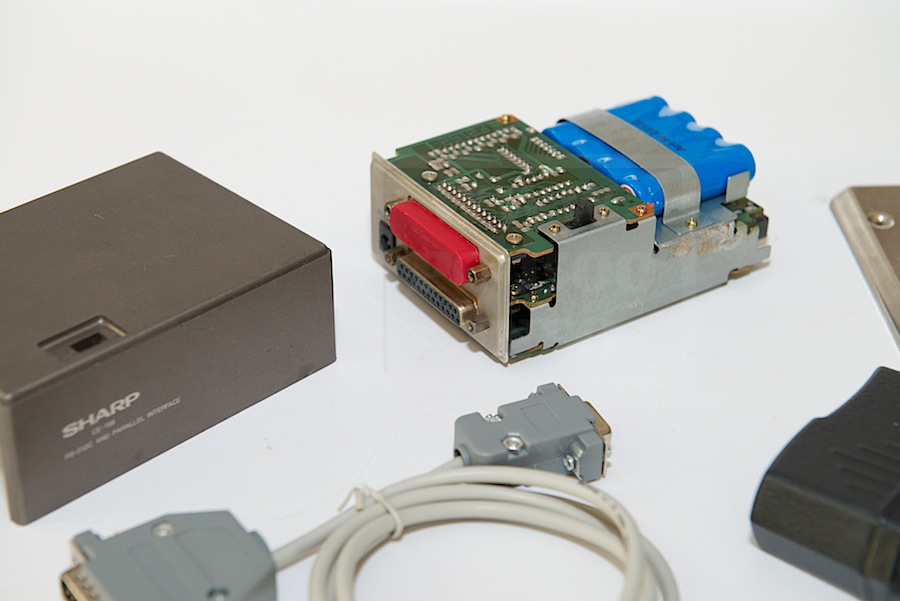
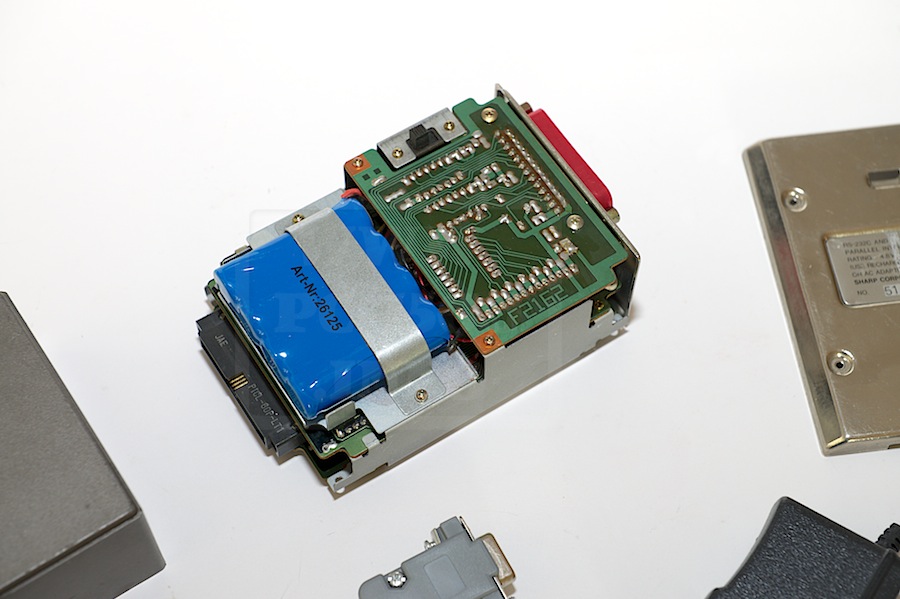
Pictures of one with light marks :
EMI_1918

EMI_1917

EMI_1916

EMI_1915

EMI_1914

Happy new year !

I wish a happy new year to all my readers and the PC-1500 fans !

Could 2015 be rich in lot of discovery about this fantastic pocket computer.
The PC-1560 team is working on new devices and software for it.
Stay connected…

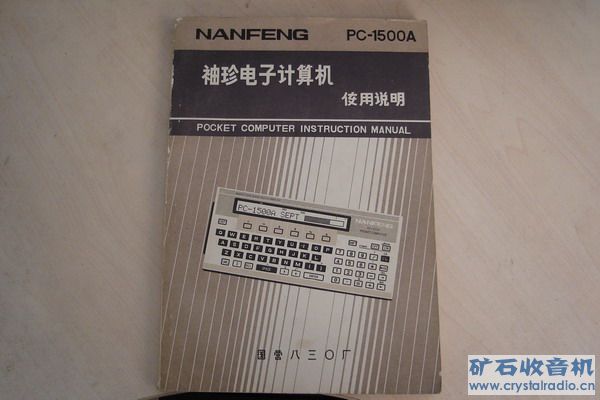
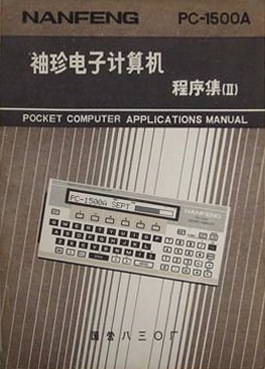
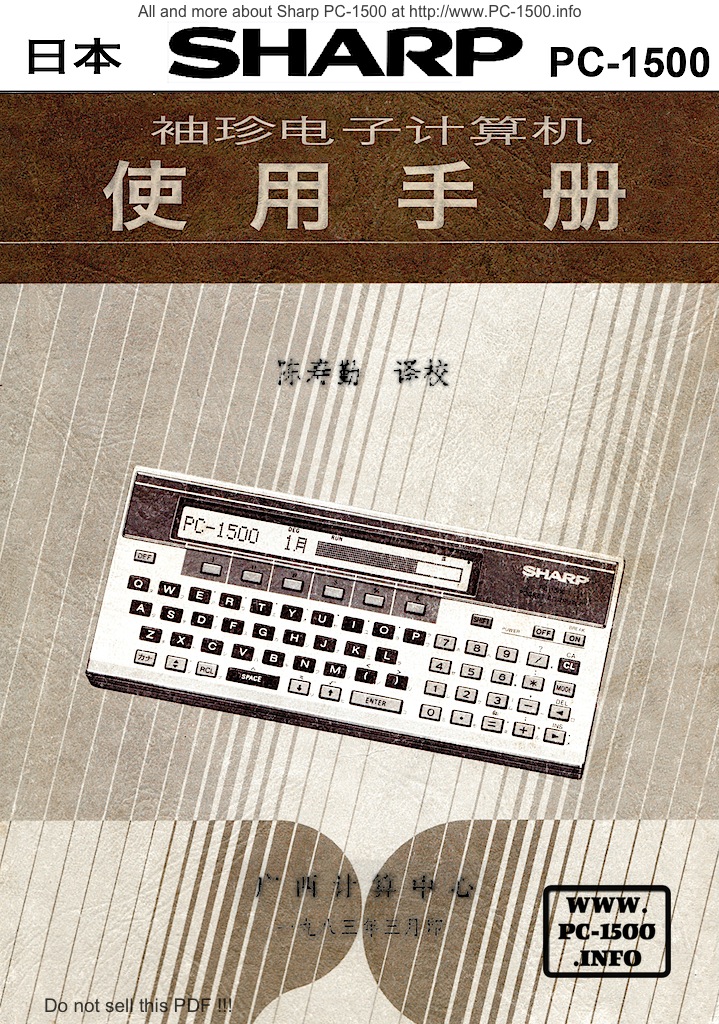
NANFENG PC-1500A user manual (updated)

A special thanks to “W” for an incredible information about the NANFENG PC-1500A !
I copy here his message from my Guestbook :

“NANFENG PC-1500 is made by 830 Factory ,Kaili,Guizhou,P.R.C. in a brief honeymoon with U.S.A and Japan to counter CCCP, here is a picture of its manual: “
20091118_cd540eff3292da0503cfP2AQA10ikwwn

Thank you again, “W”, to share this information with my readers !

Update : The NANFENG manuals are a set of 3 

NANFENG PC-1500A 0  NANFENG PC-1500A 1  NANFENG PC-1500A 2

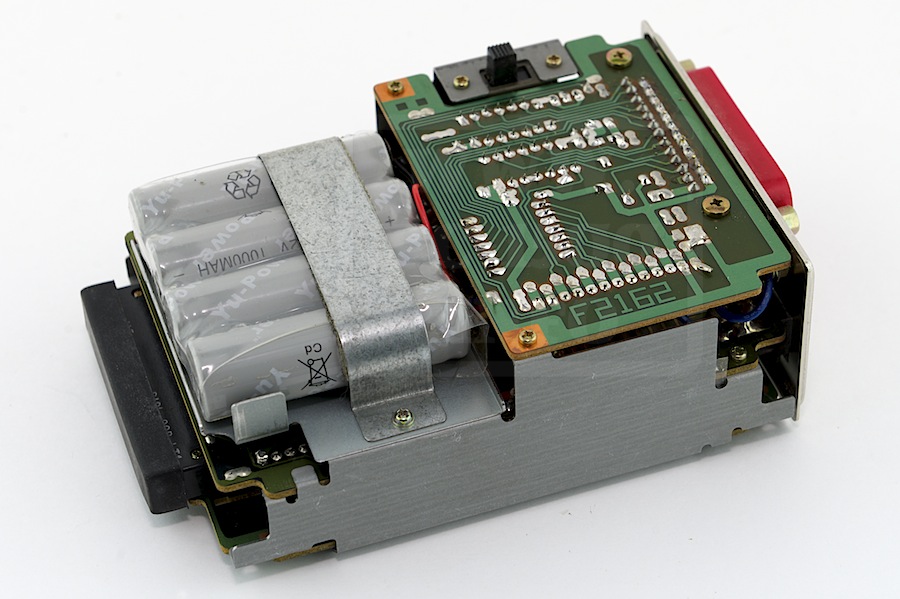
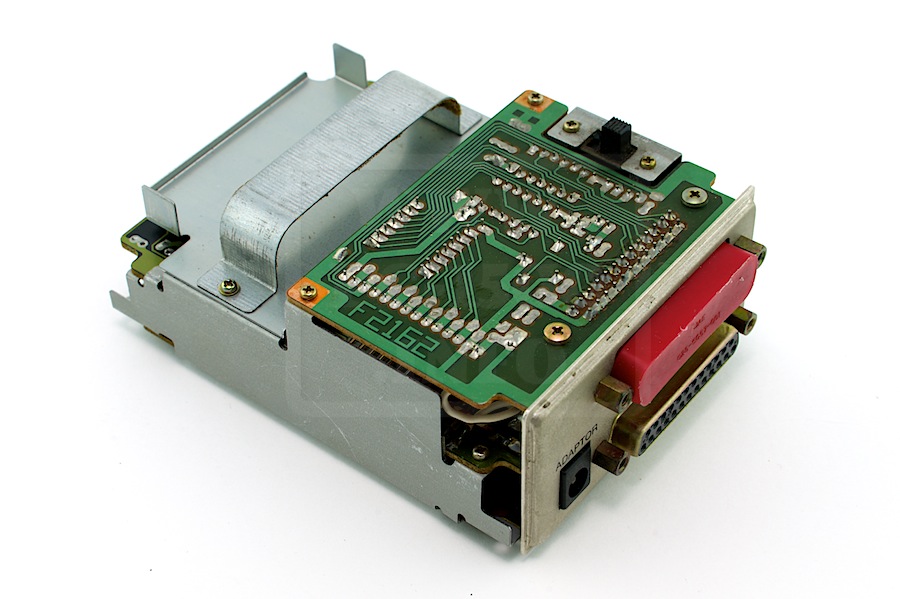
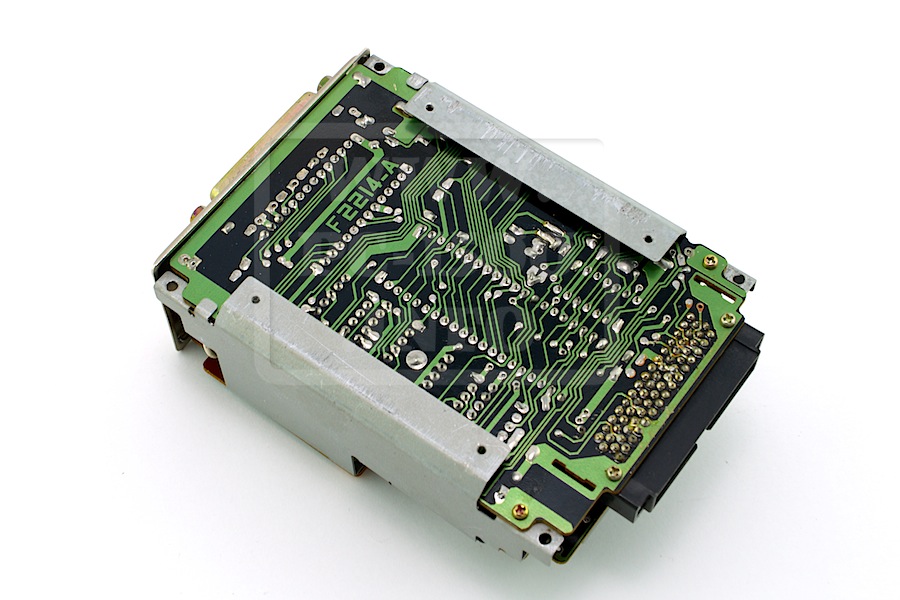
Sharp CE-158 : Hardware side (Part 4)

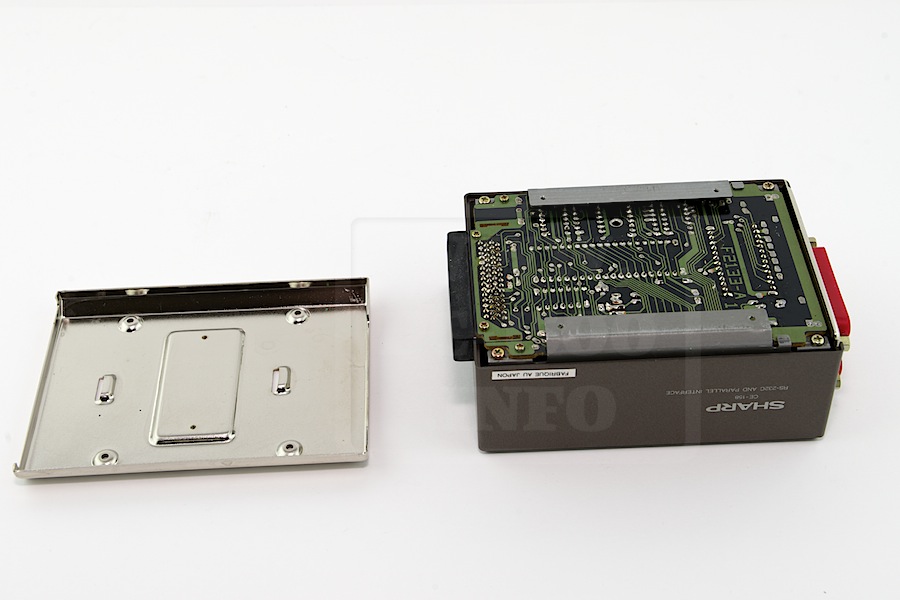
It’s now time to open the box.

The CE-158 is a nice extension with a multi-board construction.
On the bottom there is the main electronic board with the LH5801 multi i/o IC.
On the middle there is the RS-232C interface.
And on the top there is the Centronics interface.
The battery pack is 500mA/h 4,8v.
CE-158_Hard_003
CE-158_Hard_005

I know two versions of the CE-158 but don’t know the differences
CE-158_Hard_004
CE-158_Hard_002

Here are the Sharp specifications :
CE-158_Specifications
Download

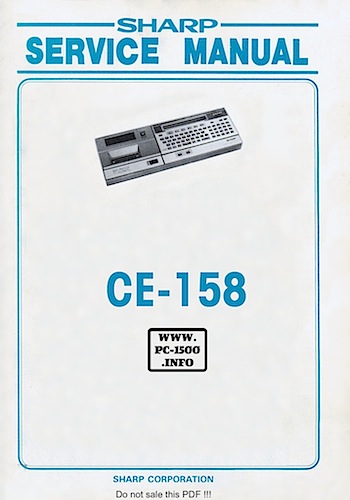
And the Service manual :

Download

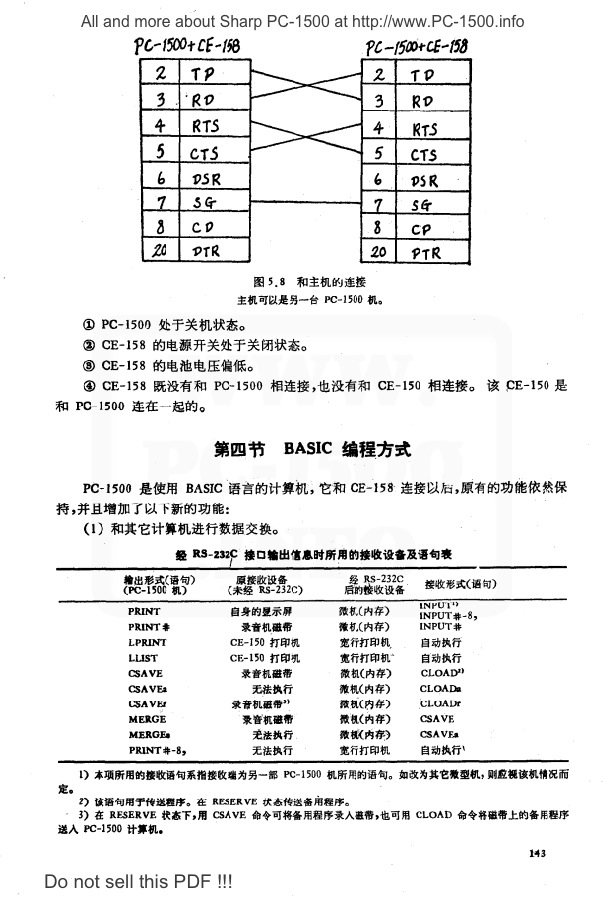
I have found the connexion cable for 2 CE-158 in a chinese book :
CE-158_CNDoc
Download

Sharp CE-158 : Tandy RS-232C interface (Part 3)

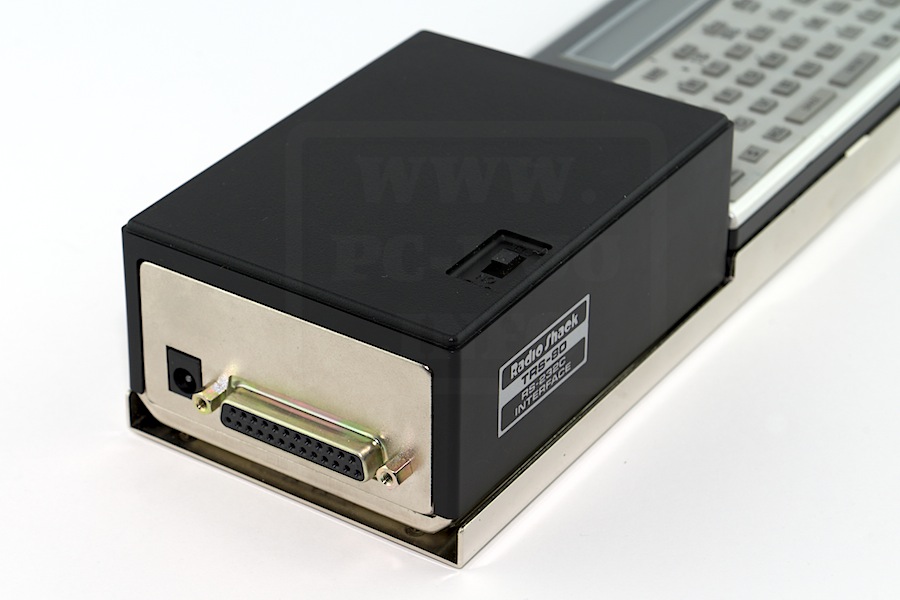
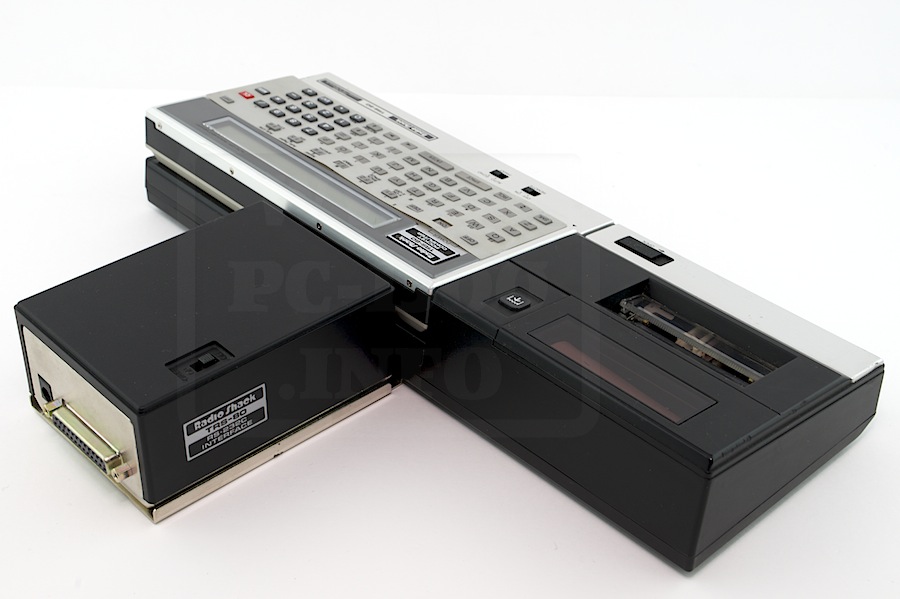
As for the PC-2 Tandy’s choice was to make the difference : RS-232C but but parallel interface.
This was a manner to reduce price.

I don’t know anything about the original packaging but all accessories are same.
The manual is smaller, the keyboard mask adapted to the geometric keyboard.

Tandy_RS232C_001
Tandy_RS232C_005 Tandy_RS232C_007

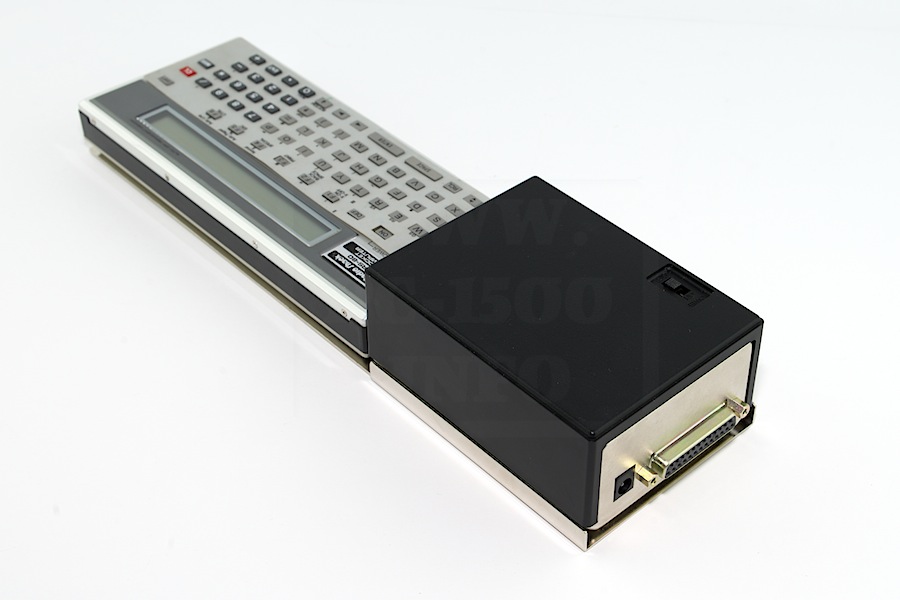
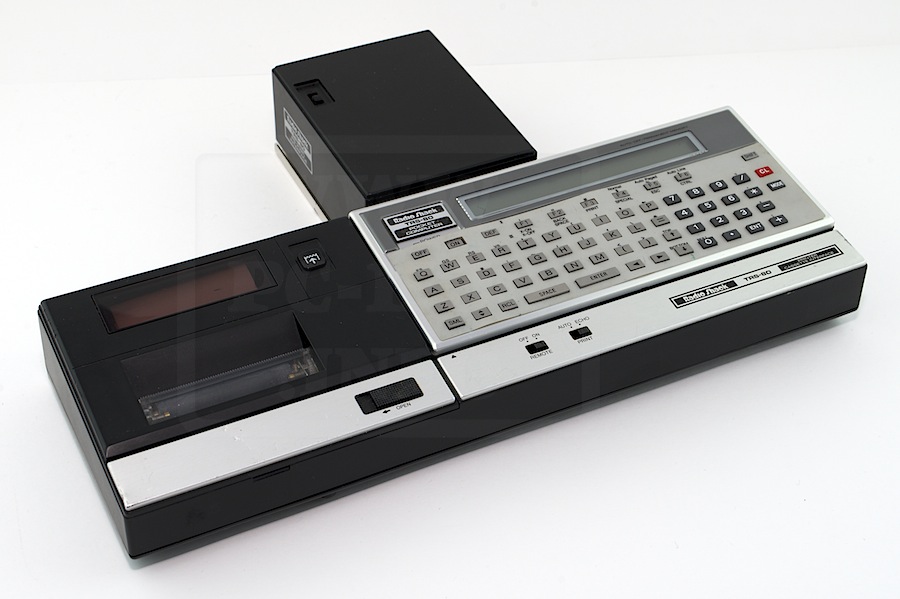
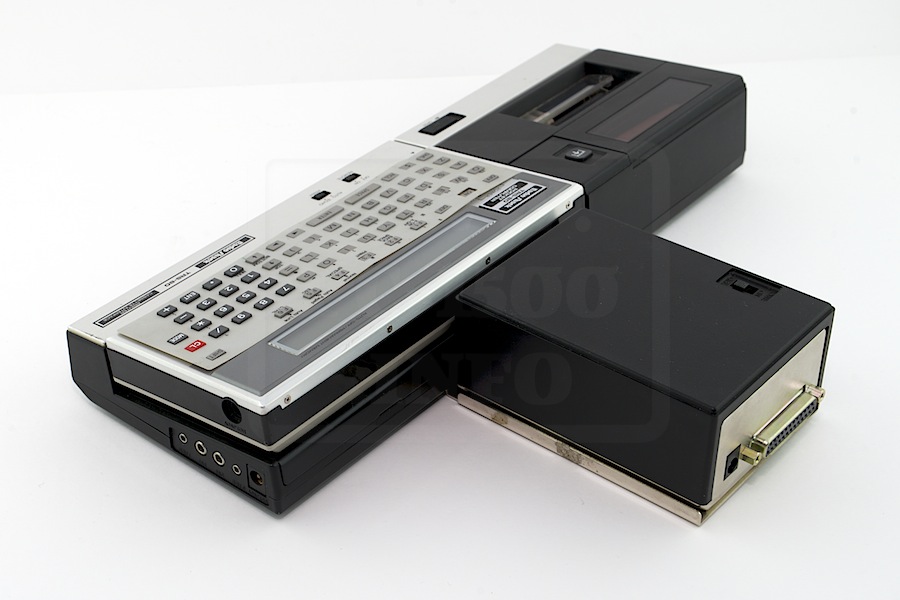
And the is no difference when connected to the black printer :
Tandy_RS232C_018
Tandy_RS232C_026 Tandy_RS232C_021

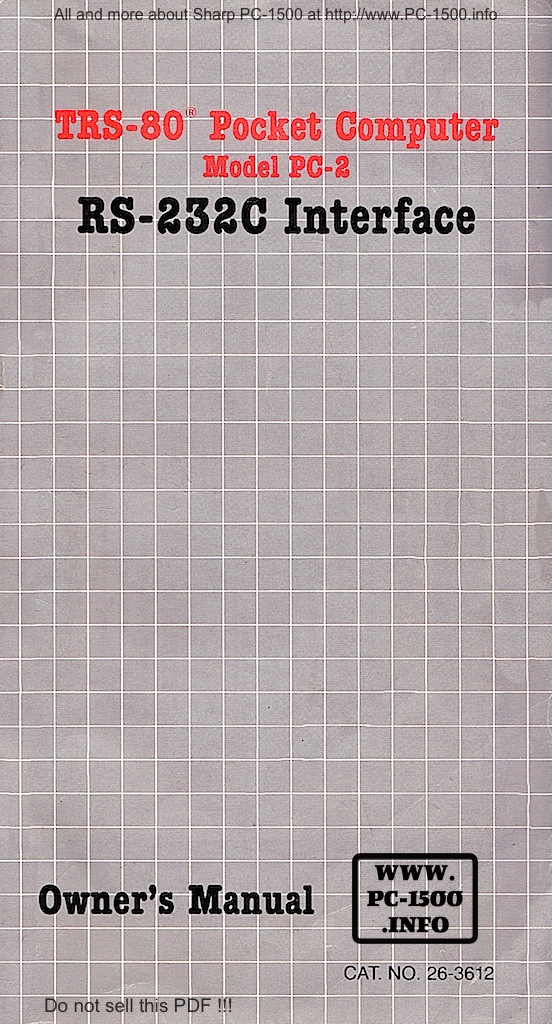
Here is the manual :
Tandy_RS232C_Owner_s_manual_001

Next time i will show you the hardware of booth interface versions.
Stay tuned…
Sharp CE-158 : RS-232C and parallel interface (Part 2)

It’s now time to connect your favorite pocket computer to a big Personal Computer !

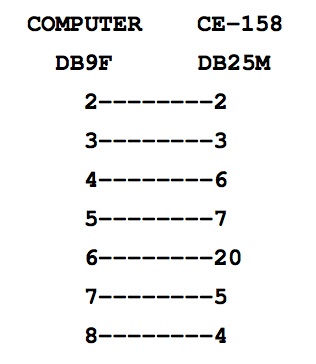
First, we have to build the good cable.
CE-158 side it’s a 25 pins male connector.
PC side it’s a 9 pins male connector.

Here is the schematics
Cable

Ok ? Now we make the test on a very well known operating system : Windows XP Pro.
(But my version is in french.)

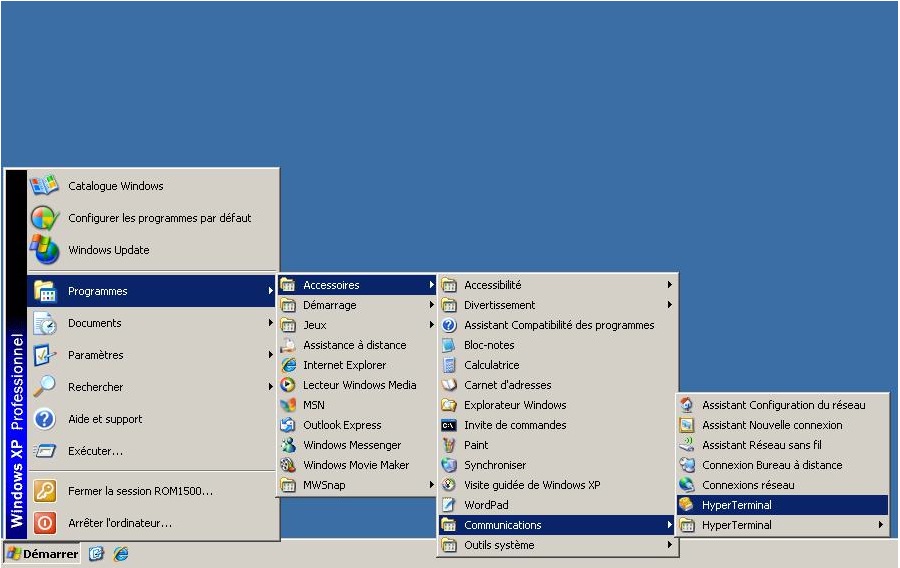
First locate the Hyper Terminal application :
CE-158_Dialog_001

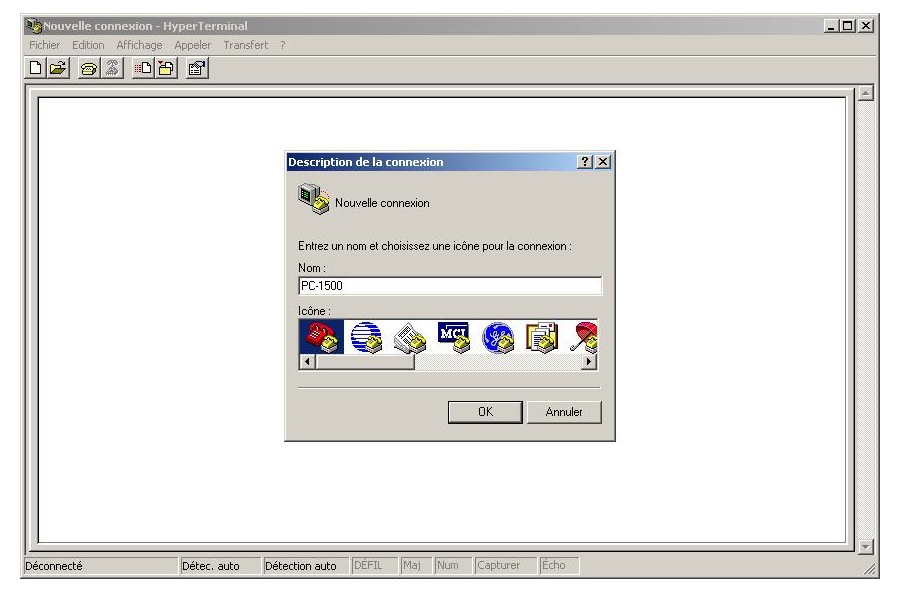
When it opens you’re prompted to name the new connexion.
CE-158_Dialog_002

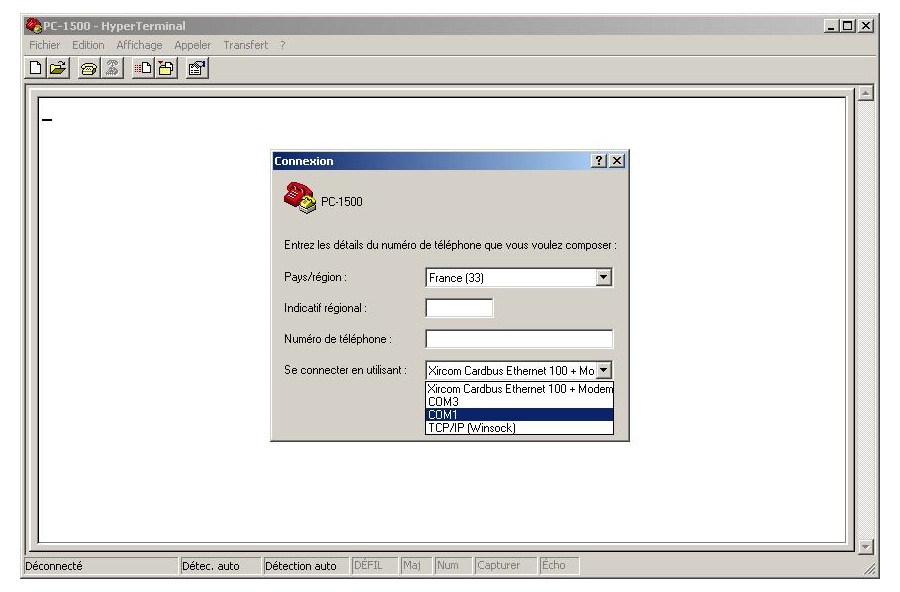
Choose COM1 as the connexion mode :
CE-158_Dialog_003

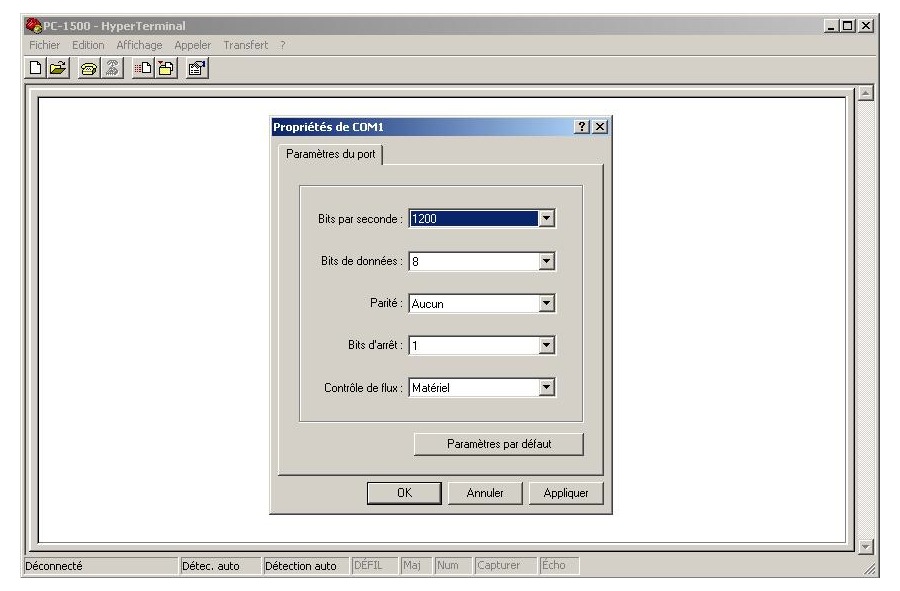
And set the parameters and validate :
CE-158_Dialog_004

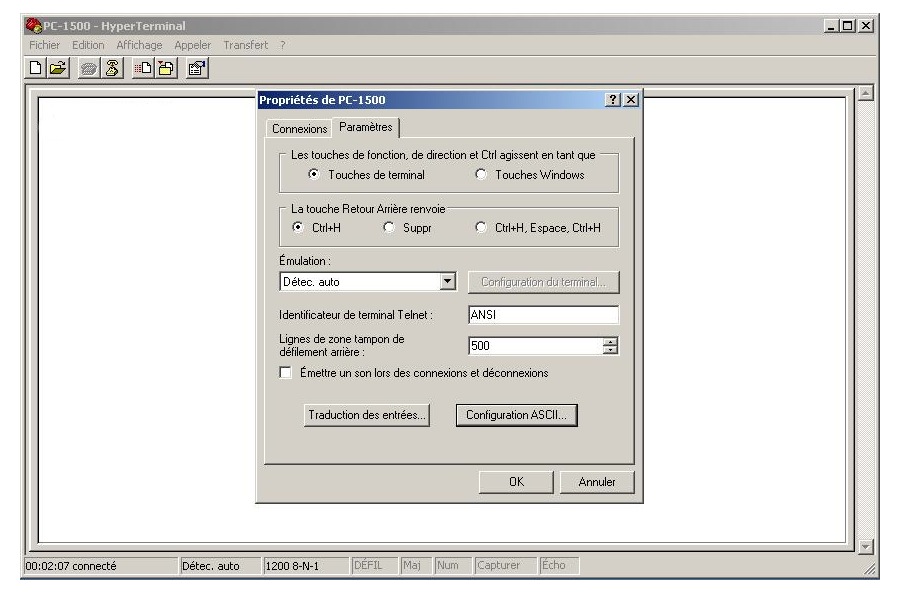
On the parameters tab click on “ASCII configuration” :
CE-158_Dialog_006

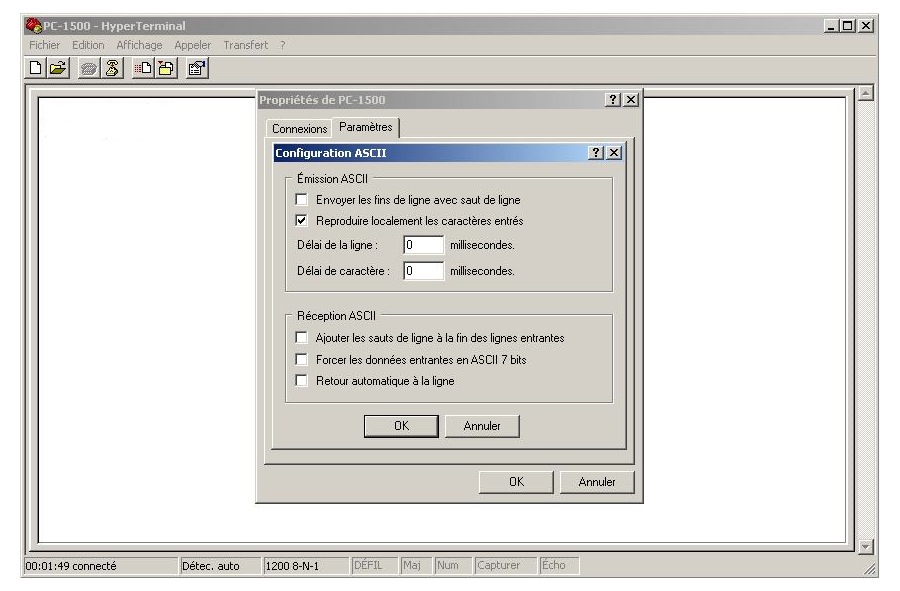
Then check the boxes as on this picture :
CE-158_Dialog_005

Now it’s time to try receiving something from the PC-1500…
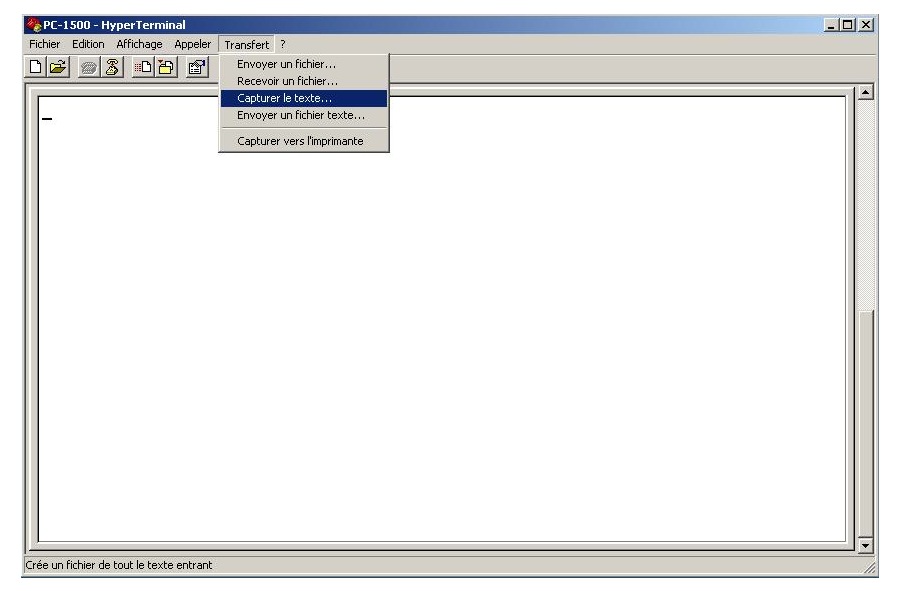
Click on “Transfer” menu and on “Capture text” :
CE-158_Dialog_007

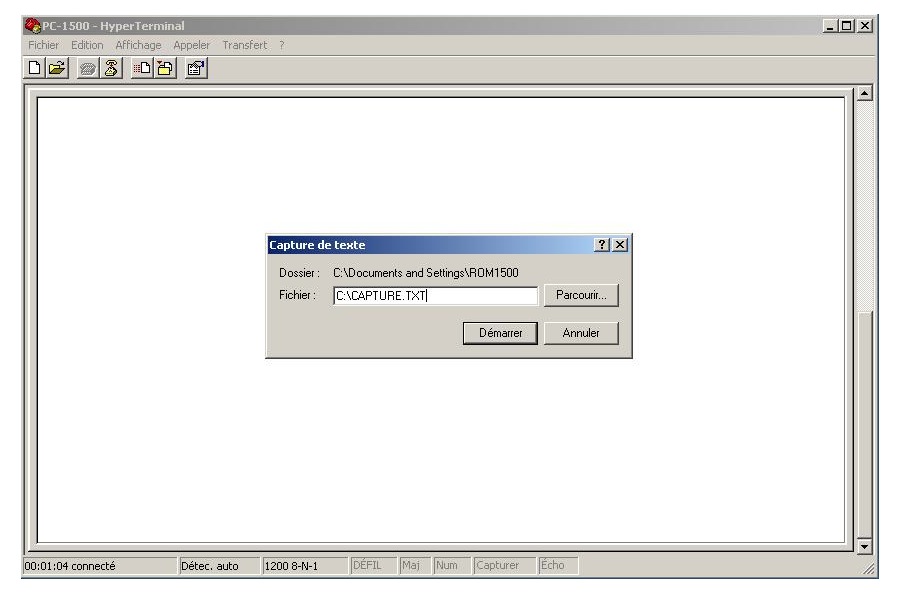
And set the filename to CAPTURE.TXT on the primary drive’s root :
CE-158_Dialog_008

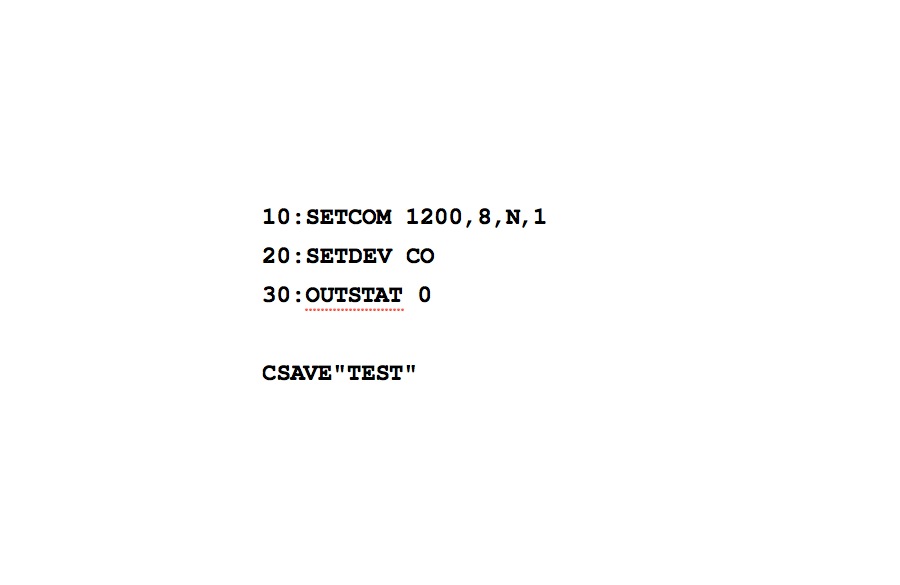
Go on the PC-1500 keyboard and type the following program and finish by the CSAVE command:
CE-158_Dialog_009

The lines 10 to 30 are send to the PC trough the CE-158 and you can see the data on the Hyper Terminal screen.
When the CSAVE command disappear from the PC-1500 screen it’s time to stop data recording.
CE-158_Dialog_010

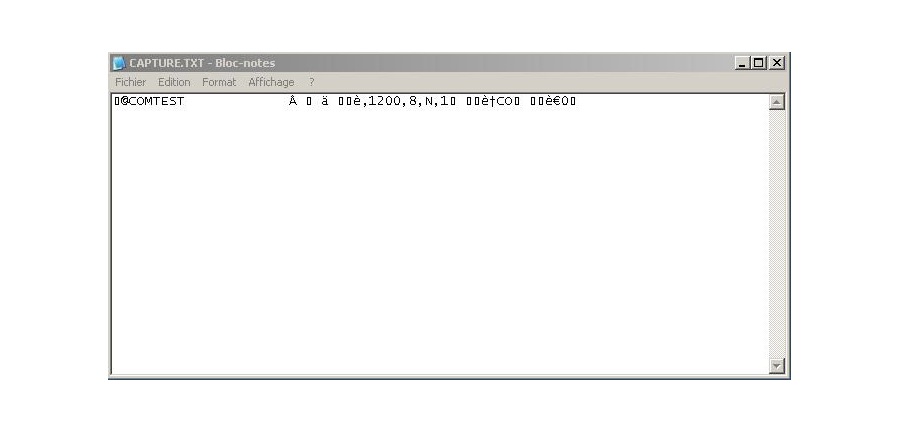
Please control the file C:\CAPTURE.TXT content :
CE-158_Dialog_011

Is it ok ? GOOD ! Close the Hyper Terminal application.
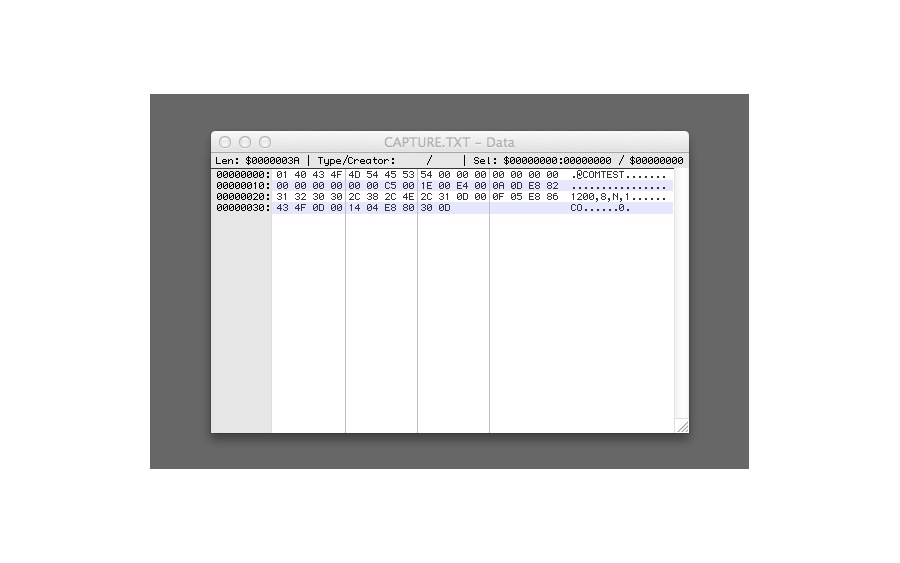
I show you here the hexadecimal content :
CE-158_Dialog_012

Now we have to test data transmission from PC to PC-1500.
Are you ready ?

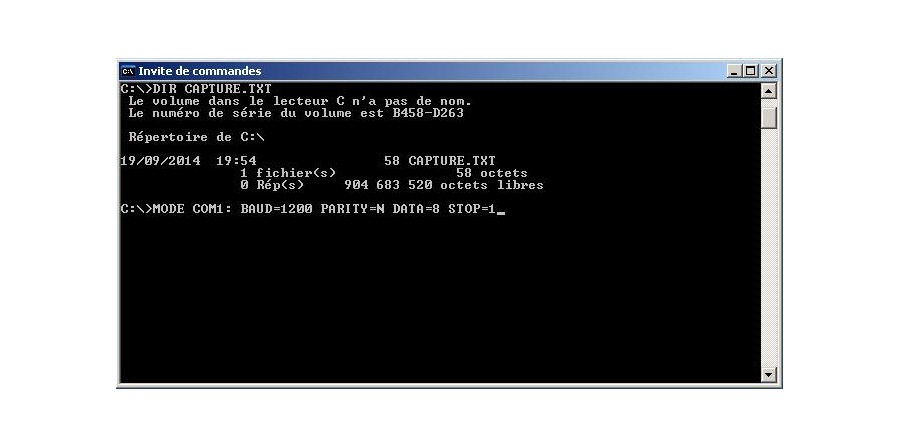
Open the DOS box and set the COM1 parameters :
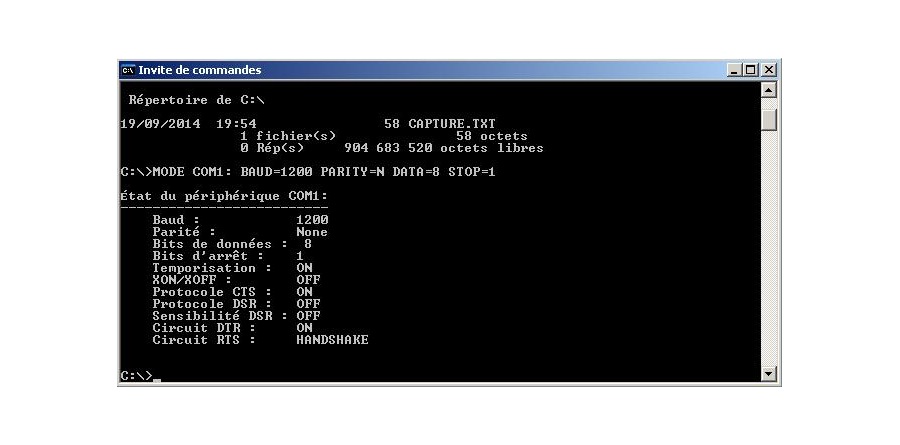
CE-158_Dialog_014

If you get an error message then verify that Hyper Terminal is closed.
Otherwise you’ll get the result :
CE-158_Dialog_015

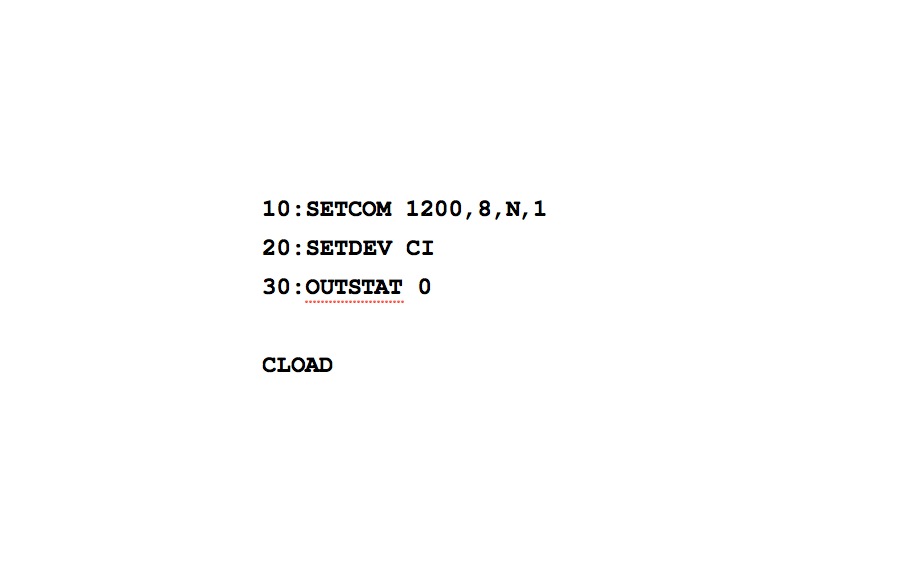
Go to the PC-1500 and update the program to this one and finish by the CLOAD command.
CE-158_Dialog_016

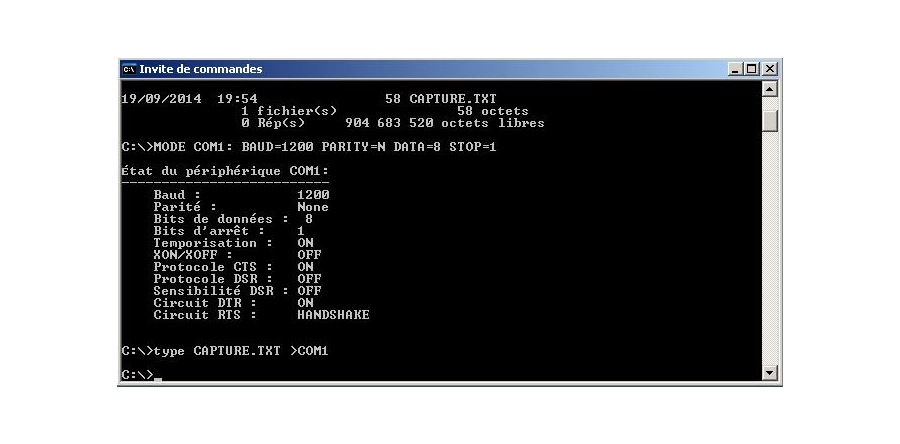
And on the PC side send the CAPTURE.TXT file to the COM port :
CE-158_Dialog_017

Now control on the PC-1500 that the line 20 ends now by CO 😉
Is it ok for you ?

Sharp CE-158 : RS-232C and parallel interface (Part 1)

The CE-158 extension is the communication tool for the PC-1500 and provide interface to personal computer world.

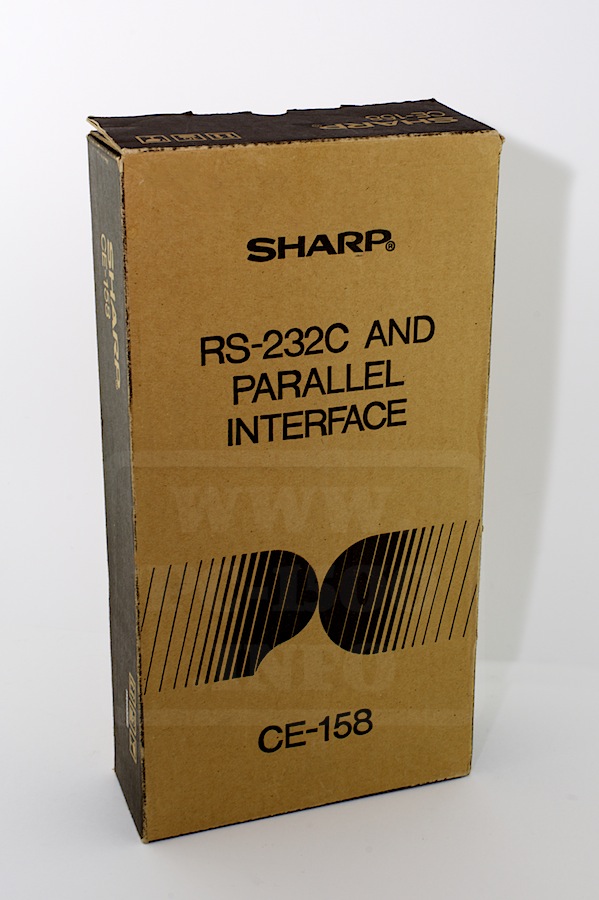
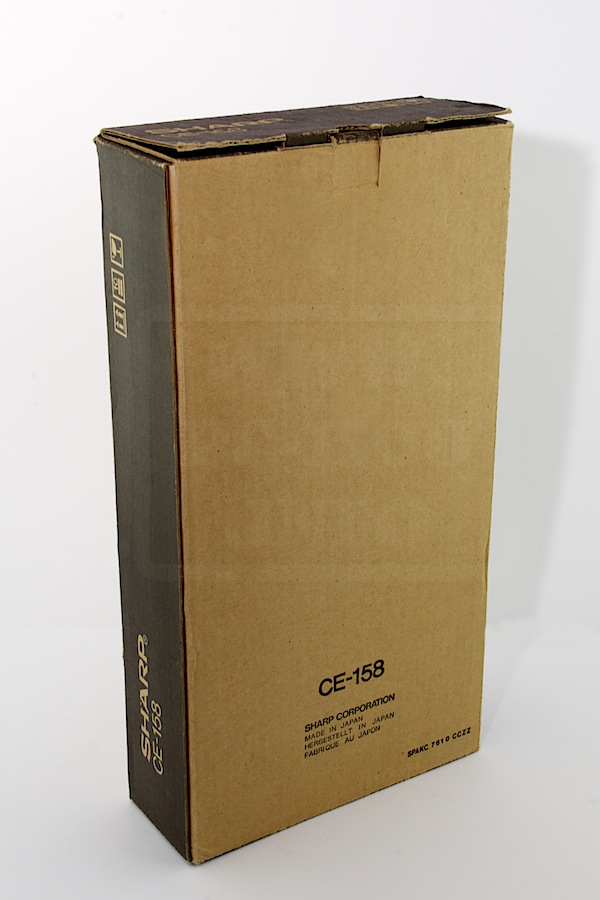
It comes in a big box.
CE-158_001 CE-158_002

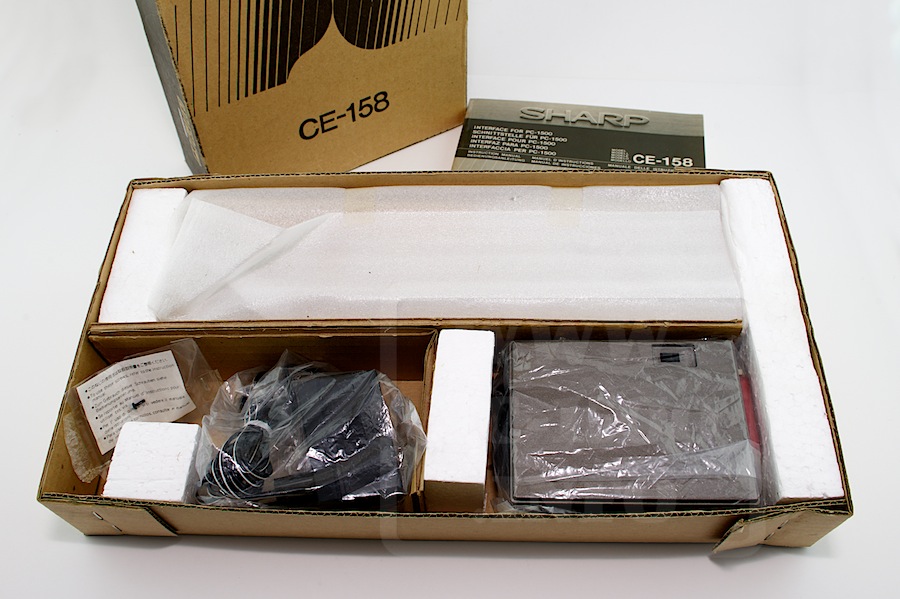
The CE-158 and accessories are well packaged.
CE-158_003

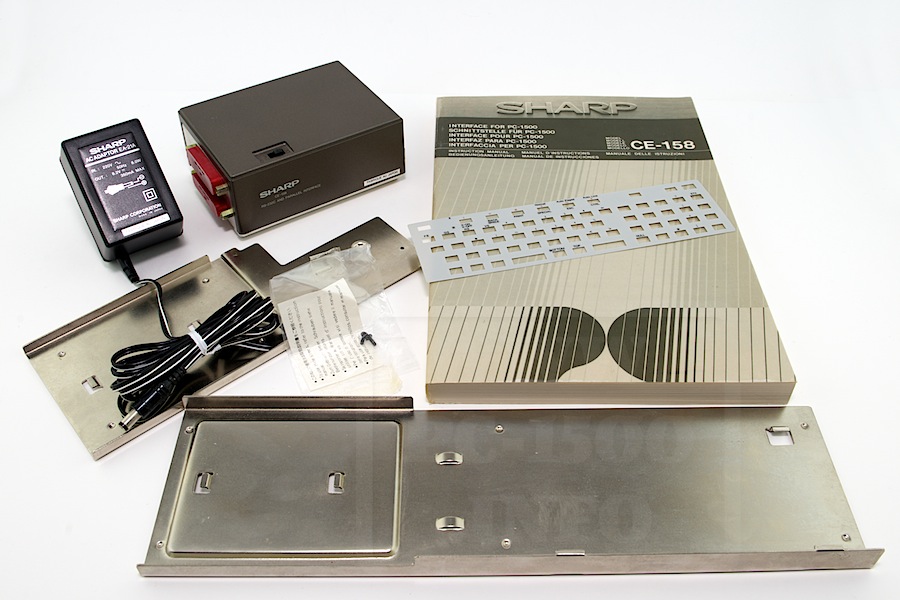
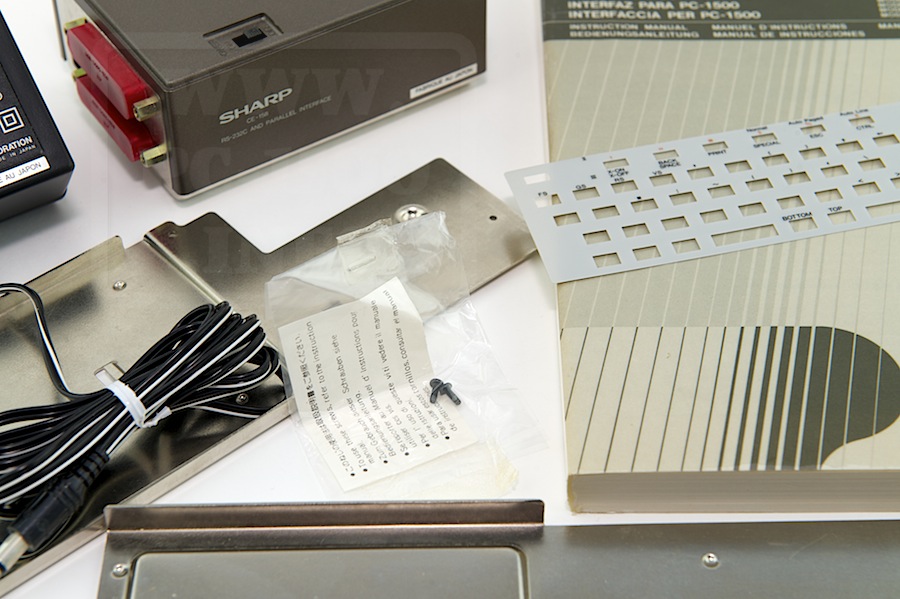
There is :
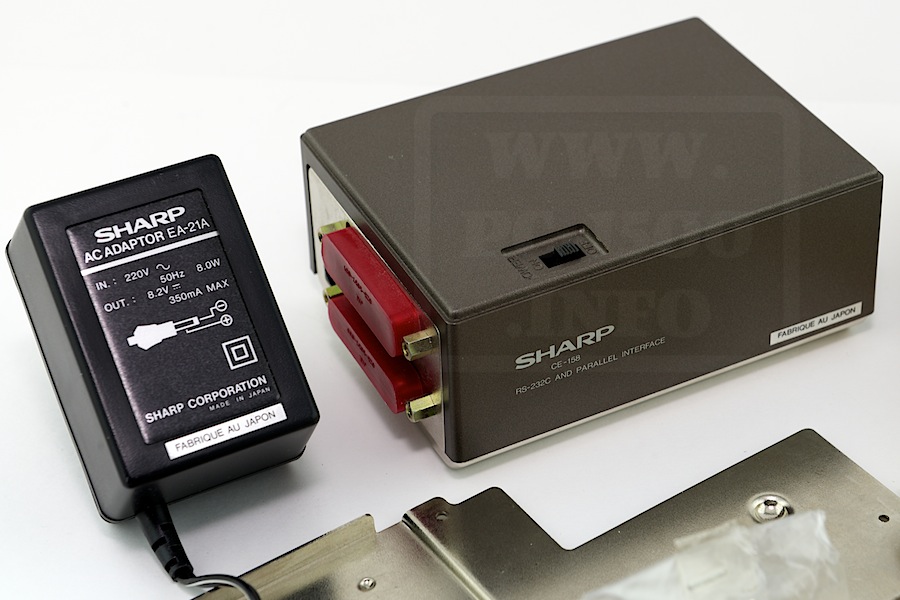
The CE-158 interface
The EA-21A power adapter with 8,2v output
The user manual (here in the five major languages)
One metal part for connecting directly to the PC-1500(A)
One metal part for connecting to the CE-150 printer and cassette interface
To screws for the metal parts
One keyboard mask.
CE-158_004
CE-158_006 CE-158_005

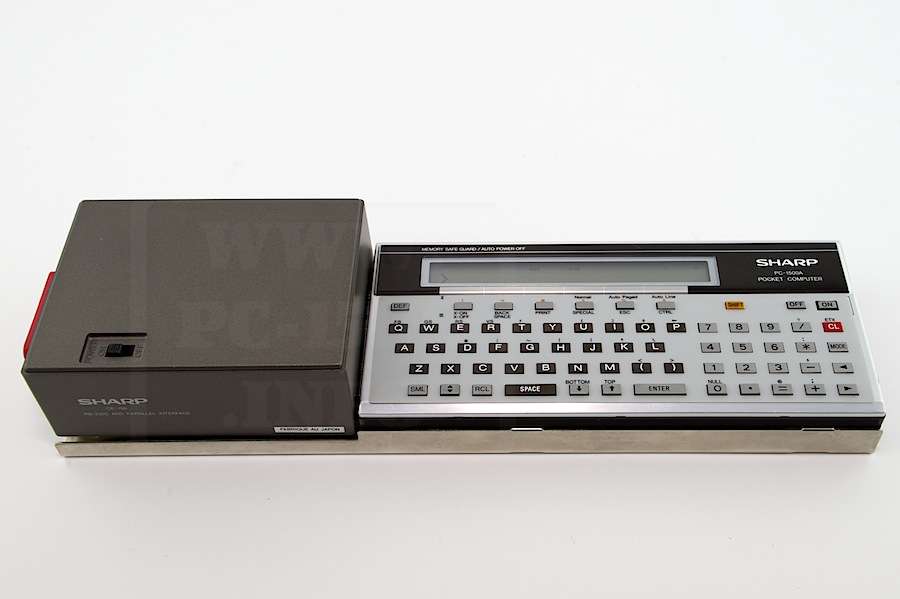
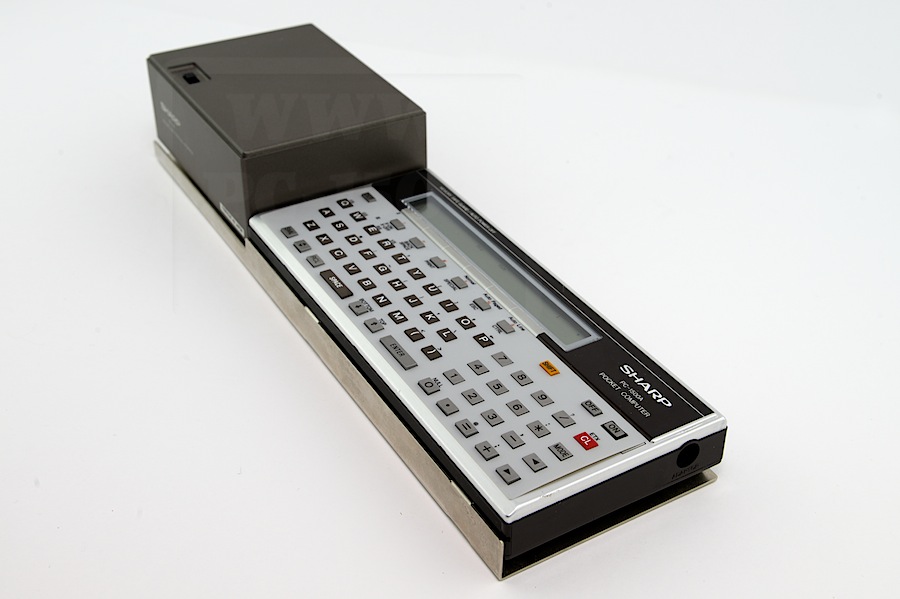
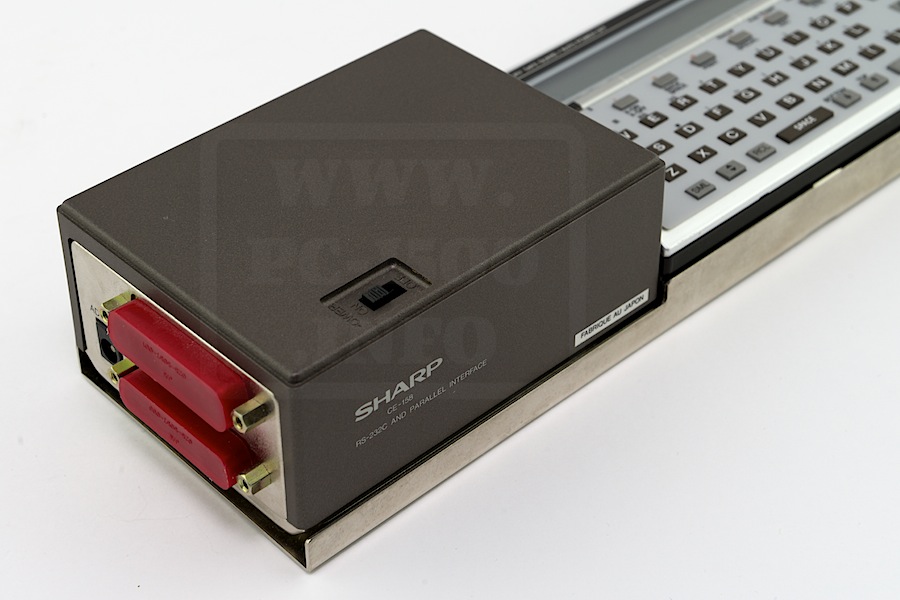
Here is the PC-1500 + CE-158 system :
CE-158_008
CE-158_012 CE-158_011

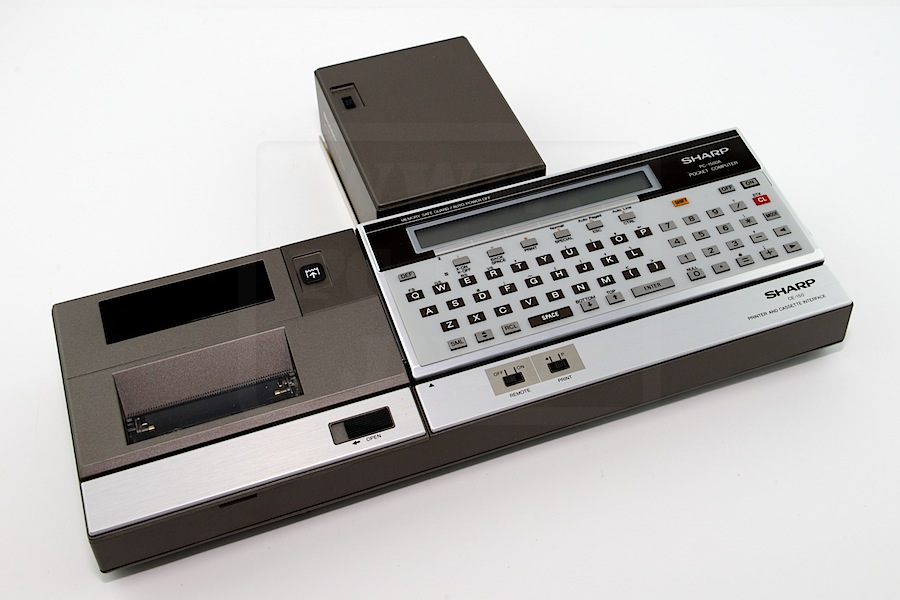
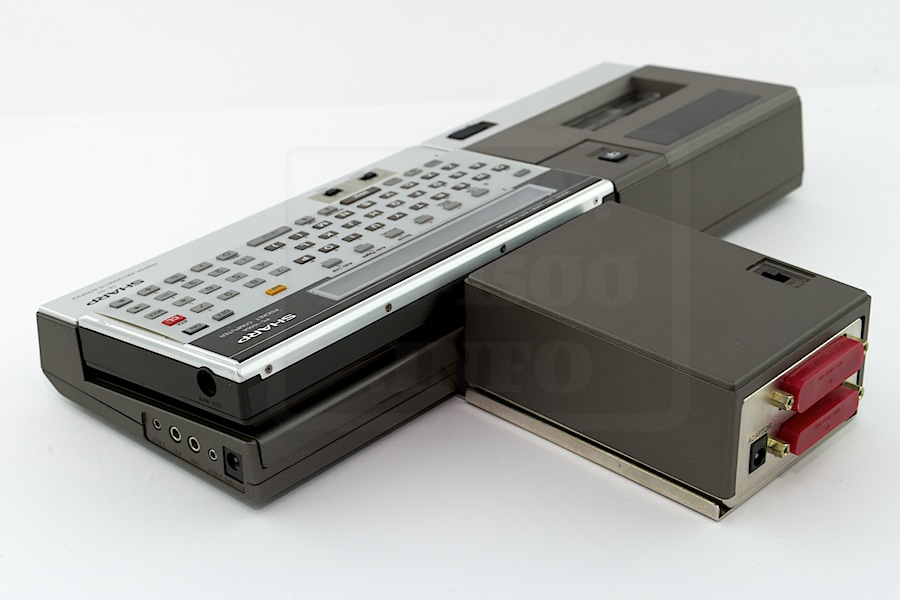
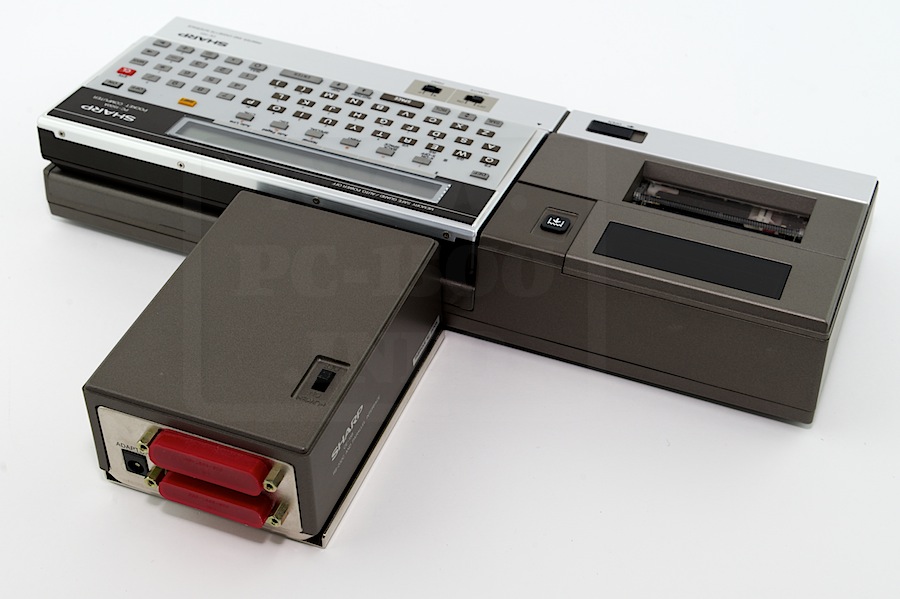
And the PC-1500 + CE-150 + CE-158 system :
CE-158_020
CE-158_026 CE-158_023

You’ll find more informations in the user manuals :

CE-158_US
Download US
CE-158_JP
Download JP
Manuals extracted from the EU manual
CE-158EU_DE
Download DE
CE-158EU_FR
Download FR
CE-158EU_IT
Download IT
CE-158EU_SP
Download SP
CE-158EU_US
Download US

Next time we will see the hardware side (Cable, Electronic boards…)